

OpenClaw is powerful, but it shares a problem with virtually every AI agent out there: every session starts from scratch. Same mistakes, same patterns, no growth.
MetaClaw tackles this in an interesting way. It sits as a proxy between OpenClaw and your LLM, intercepts every conversation, automatically injects the most relevant skills into the system prompt, and after each session distills what happened into new skills using your own LLM. The skill library grows with use.
In practice: your agent actually learns instead of just remembering scattered facts.
The stateless agent problem
Most AI agents are stateless by design. Every conversation starts fresh. You fix the same issues repeatedly, explain your preferences over and over, and the agent never carries forward what it learned.
Even with memory tools, the agent is only recalling facts. It's not improving its behavior. MetaClaw aims to be different: it transforms behavioral patterns into reusable skills that get injected automatically at the right moment.
If you need a refresher on pairing OpenClaw with Ollama, check this guide: OpenClaw with Ollama setup.
Need help with AI integration?
Get in touch for a consultation on implementing AI agents in your infrastructure.
Setup and environment
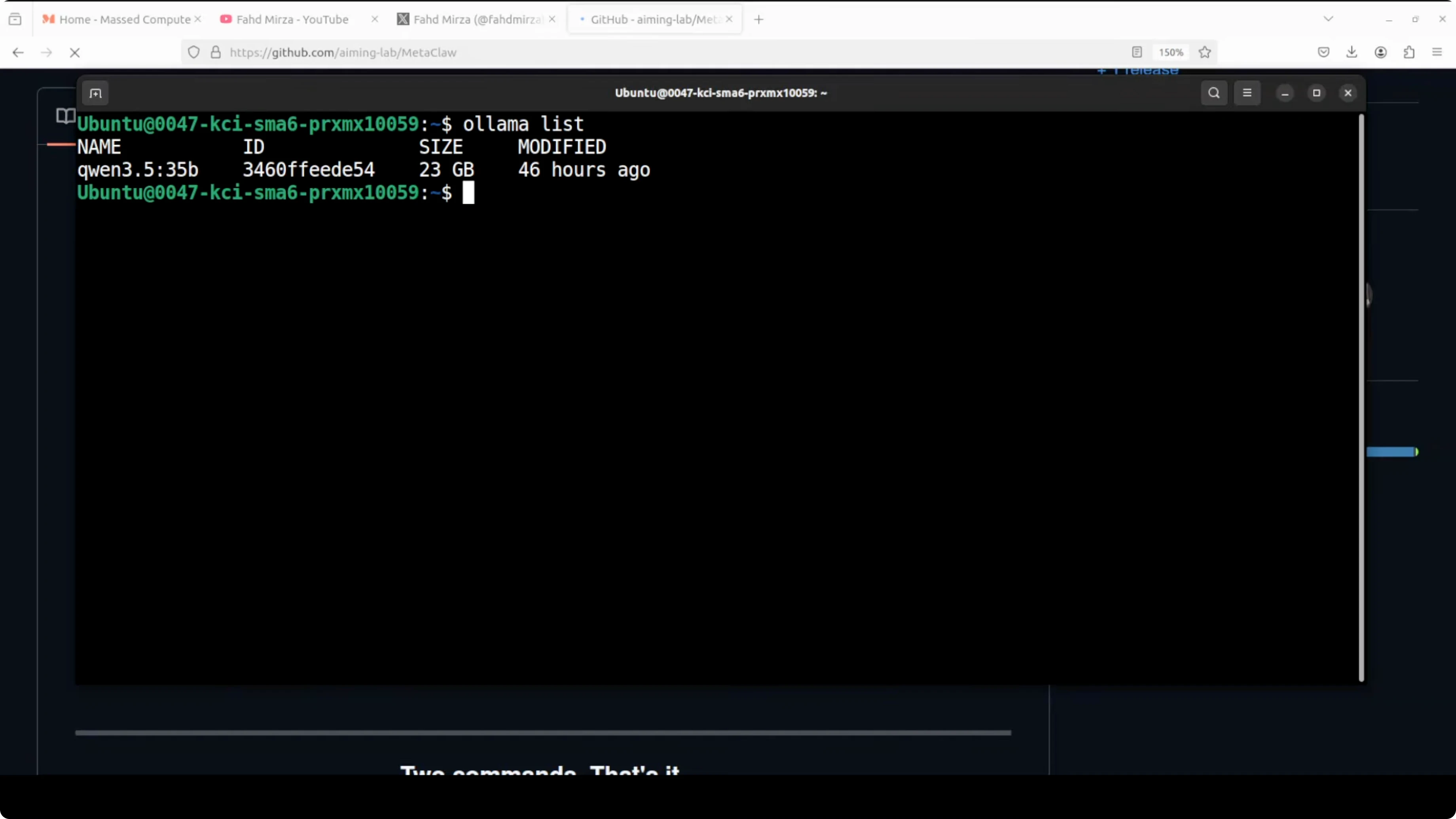
In my setup I have Ubuntu with OpenClaw already installed and integrated with Ollama-based models. GPU is an Nvidia RTX 6000 with 48 GB of VRAM. If you're planning to run Qwen 3.5 32B locally via Ollama with OpenClaw, this guide helps: run Qwen 3.5 with OpenClaw using Ollama.
The beauty of using Ollama is that everything stays local and you don't pay for API calls. That's what I'm using here.
Installing MetaClaw locally
Installation is straightforward. Clone the repo, install prerequisites, run the guided setup:
git clone https://github.com/aiming-lab/MetaClaw.git
cd MetaClaw
pip install -r requirements.txt
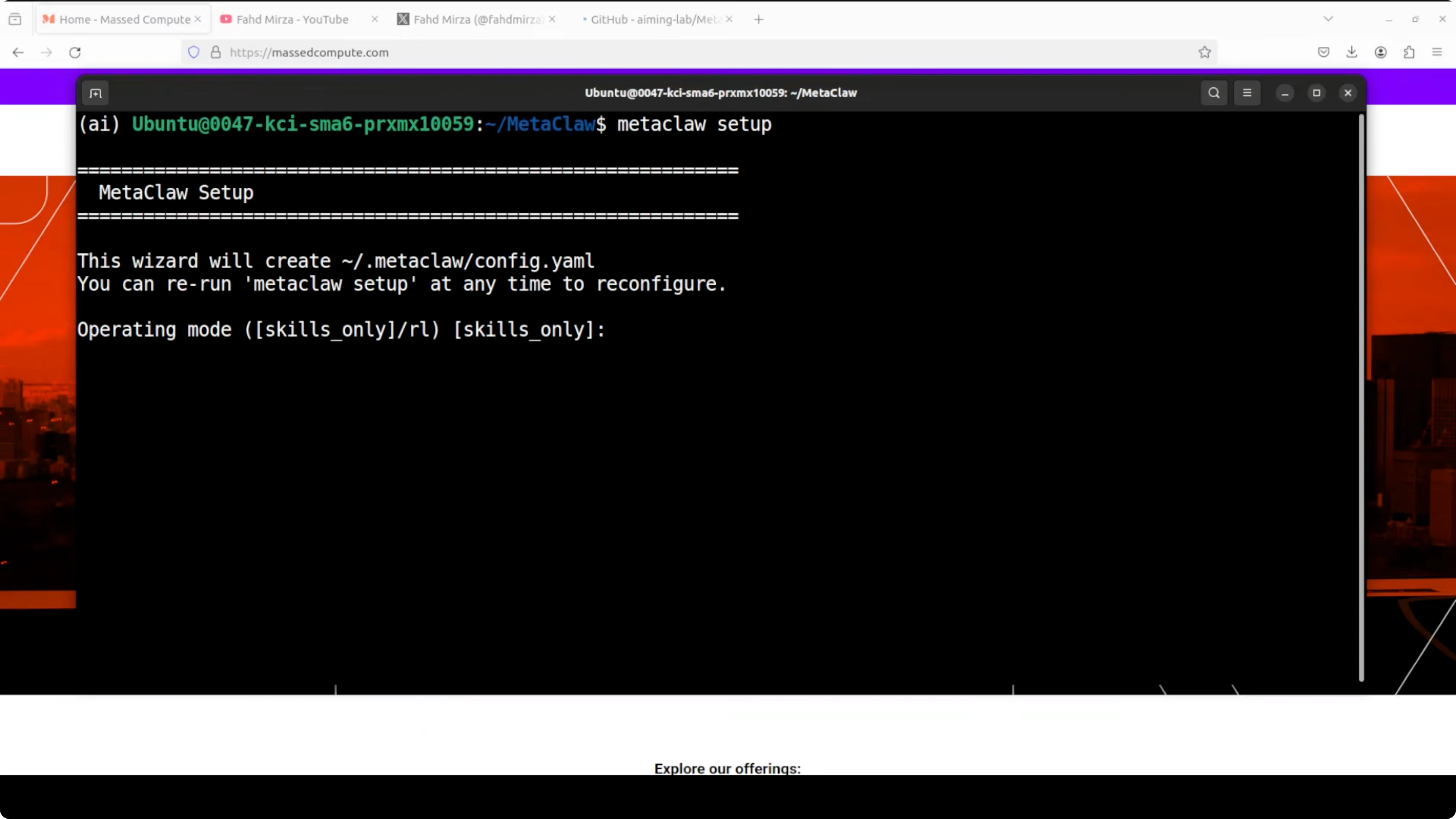
metaclaw setup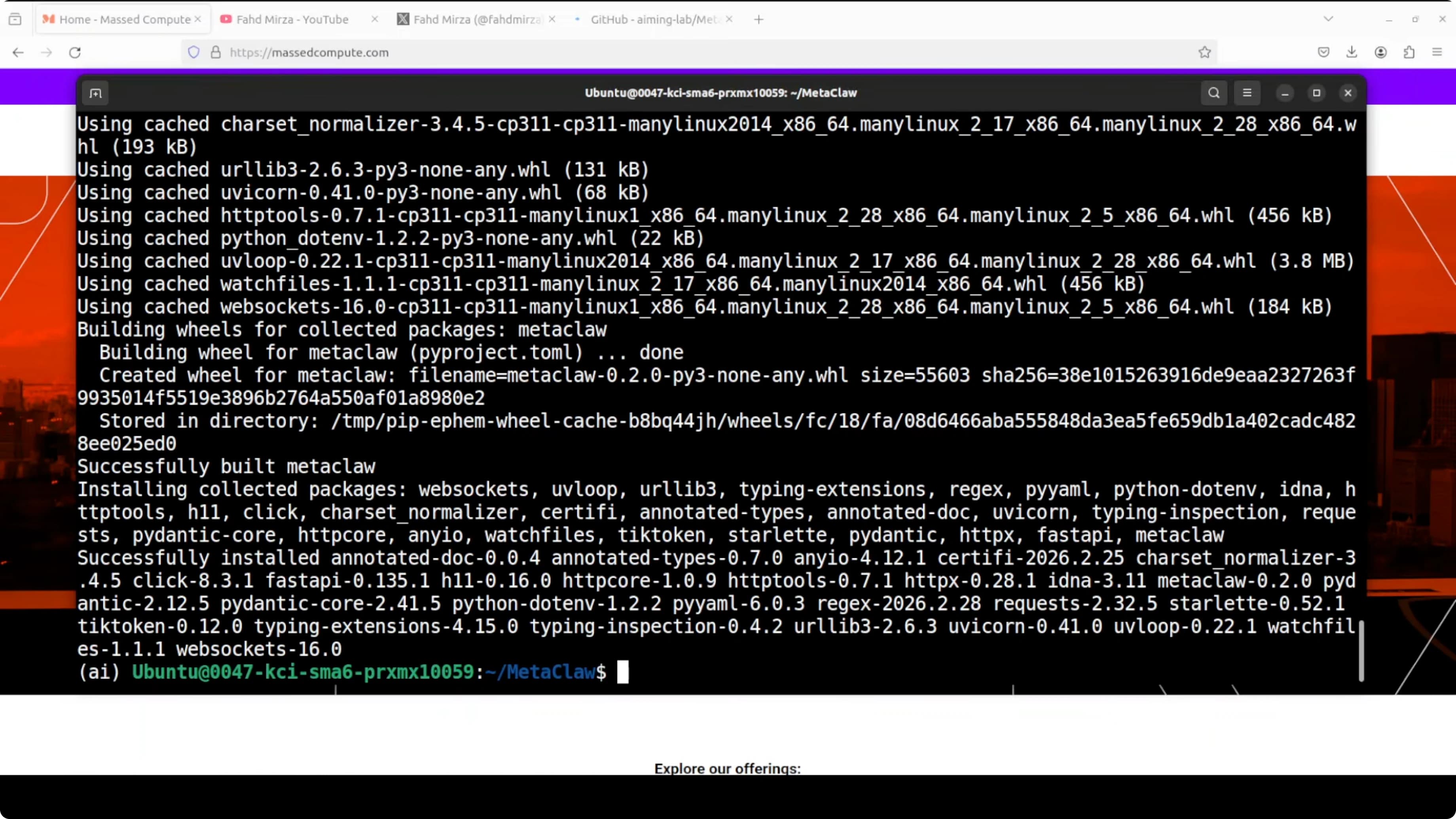
During setup, pick the mode where the agent injects and learns skills from conversations. No training is involved in this mode - that's what we want. Skip the RL mode that fine-tunes model weights in real time because it needs a paid API.
For the LLM provider, use a custom base URL pointing to your Ollama instance. The default is http://localhost:11434 and that's what I use. For the model ID, paste your local model, for example qwen2.5-32b-instruct or llama3.1.
For the API key, any placeholder value is fine because Ollama on localhost doesn't require it. Enable skill injection so MetaClaw inserts the most relevant skills into the system prompt before every response. Accept the default skills directory and enable auto summarization.
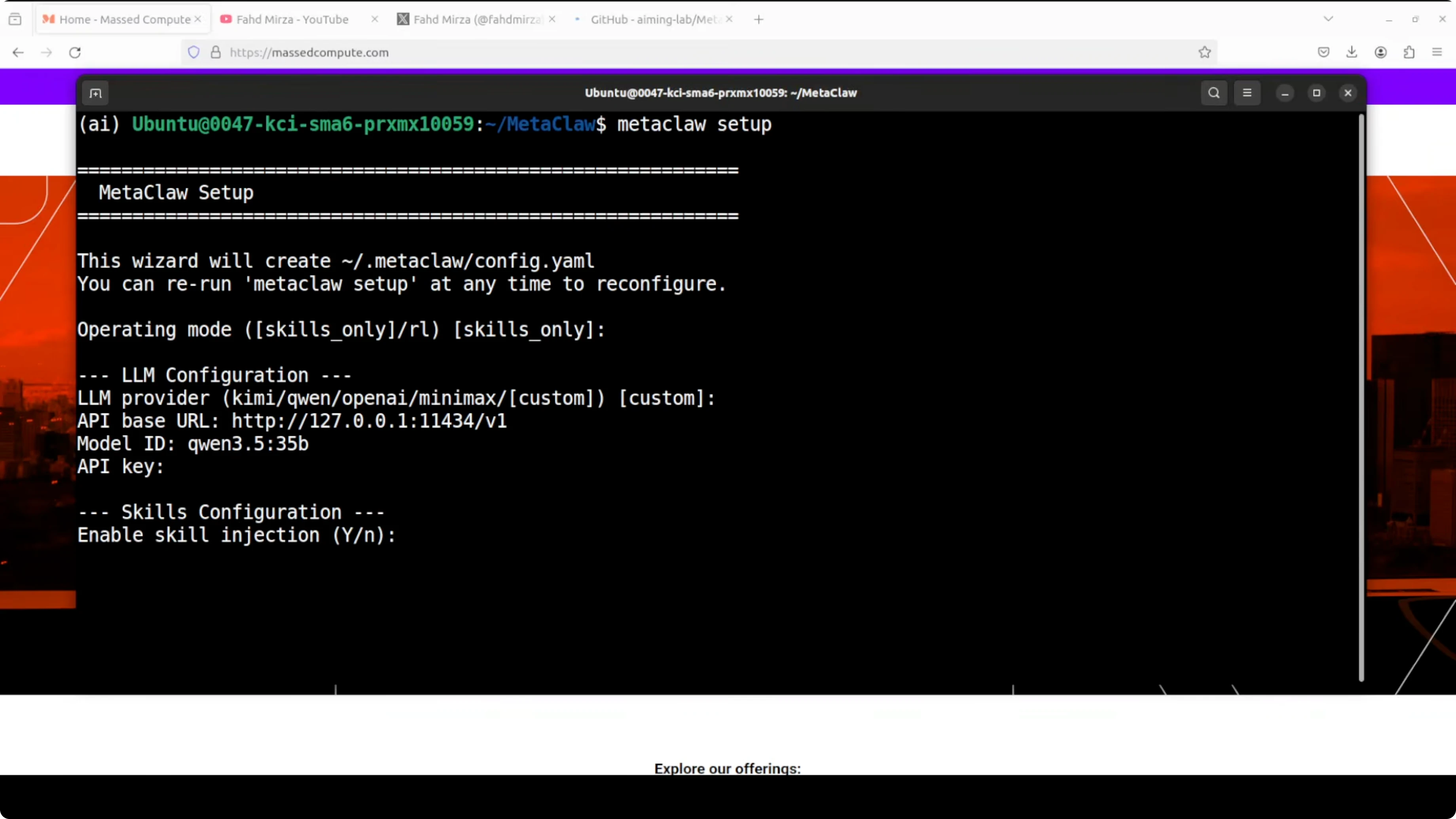
Enable and configure the proxy. Accept the default port shown by the setup, unless you need to change it for your environment. Keep everything local so you don't pay for API calls. Finish the setup and continue.
Check out my projects
Take a look at the projects I'm working on and the technologies I use.
Start and verify
Start MetaClaw and check status in another terminal:
metaclaw start
metaclaw status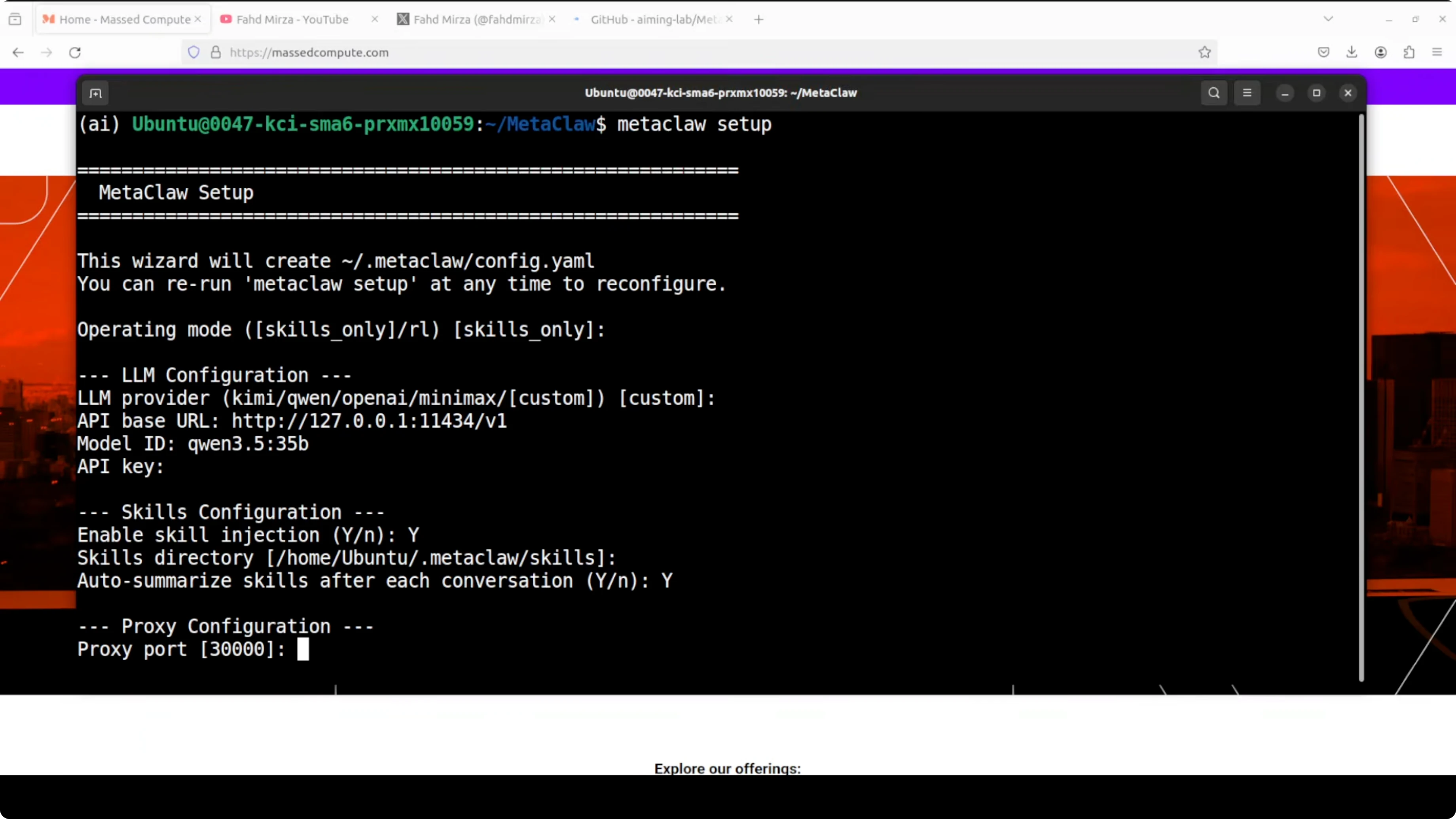
You should see that the proxy is running and wired into your OpenClaw gateway. MetaClaw will report that it loaded general and task-specific skills from the skill bank. You can also confirm it picked your Ollama model.
If you like working from a terminal-first workflow with OpenClaw, this quick reference helps: access the Terminal UI for OpenClaw. It's handy for fast checks while you iterate on skills. You can layer MetaClaw beneath it without changing your normal flow.
Skill bank and custom skills
MetaClaw ships with a general skill bank and task-specific skills. You can copy your own skills into the skill bank folder if you already maintain reusable patterns. MetaClaw will consider them during injection and learning.
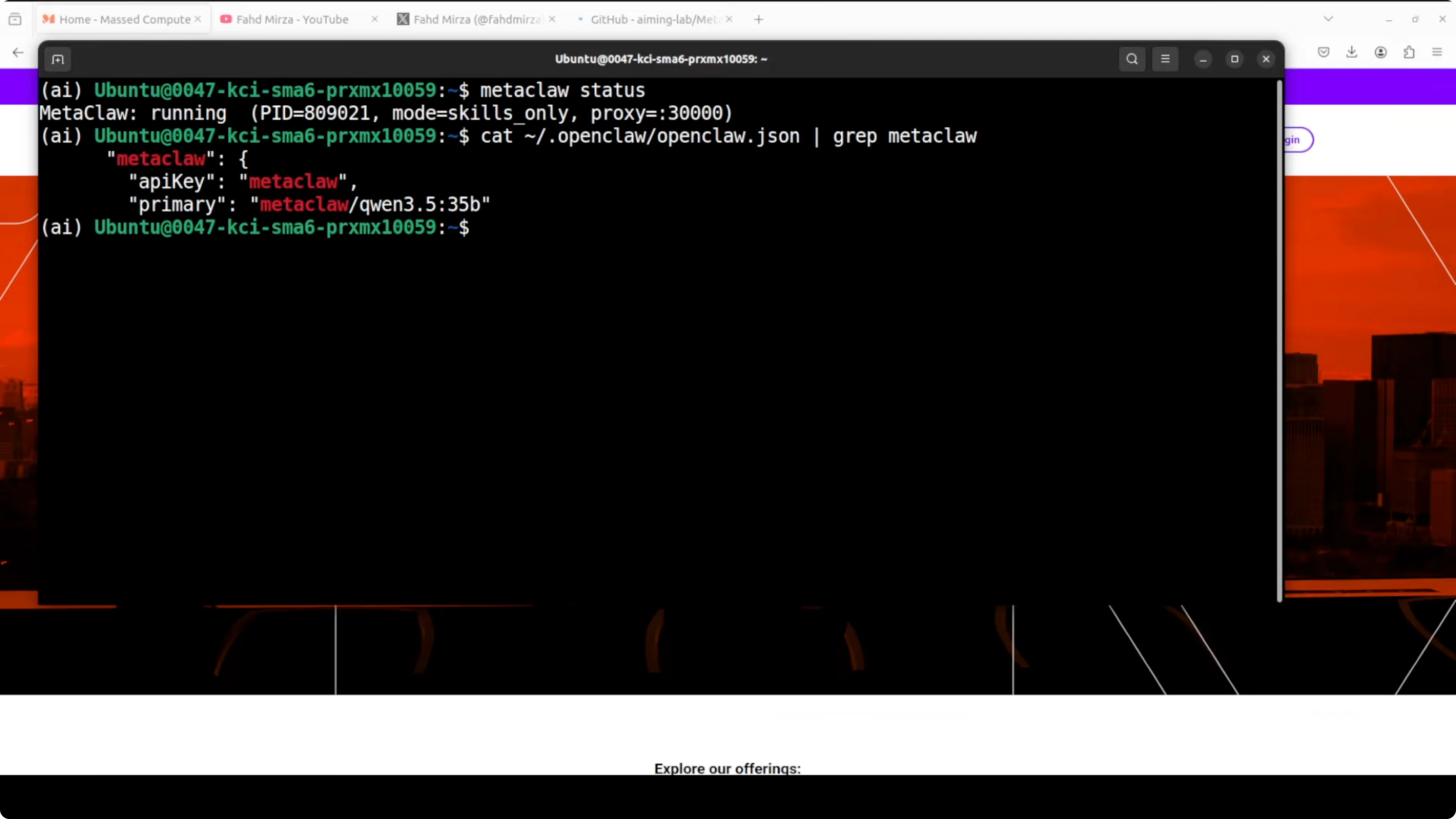
Once MetaClaw is running, you can use OpenClaw or any other API client as usual. Behind the scenes, MetaClaw injects skills and keeps distilling new ones after each session. That's where the improvement shows up over time.
If you prefer monitoring your agent and projects from a browser, here's a simple way to open the OpenClaw dashboard locally: OpenClaw dashboard access. It pairs nicely with the MetaClaw proxy.
Want to integrate AI into your business?
Contact me for a consultation on implementing AI tools in your company.
Test it with a real task
Ask the agent to write a Python script that monitors a directory for new files and logs them with a timestamp. MetaClaw will intercept the session and generate a new skill from the exchange. That distilled pattern will be injected automatically next time before the agent starts thinking.
Here's a Python example you can use in your test:
import os
import time
import logging
from datetime import datetime

WATCH_DIR = "/path/to/watch"
LOG_FILE = "file_events.log"

logging.basicConfig(
    filename=LOG_FILE,
    level=logging.INFO,
    format="%(asctime)s - %(message)s",
)

def snapshot(dir_path):
    return {f for f in os.listdir(dir_path) if os.path.isfile(os.path.join(dir_path, f))}

def main():
    if not os.path.isdir(WATCH_DIR):
        raise SystemExit(f"Directory not found: {WATCH_DIR}")

    seen = snapshot(WATCH_DIR)
    logging.info(f"Started watcher for {WATCH_DIR}. Baseline files: {len(seen)}")

    try:
        while True:
            current = snapshot(WATCH_DIR)
            new_files = current - seen
            for fname in sorted(new_files):
                full = os.path.join(WATCH_DIR, fname)
                ts = datetime.now().strftime("%Y-%m-%d %H:%M:%S")
                logging.info(f"New file: {fname} at {ts} (size={os.path.getsize(full)} bytes)")
            seen = current
            time.sleep(2)
    except KeyboardInterrupt:
        logging.info("Watcher stopped.")

if __name__ == "__main__":
    main()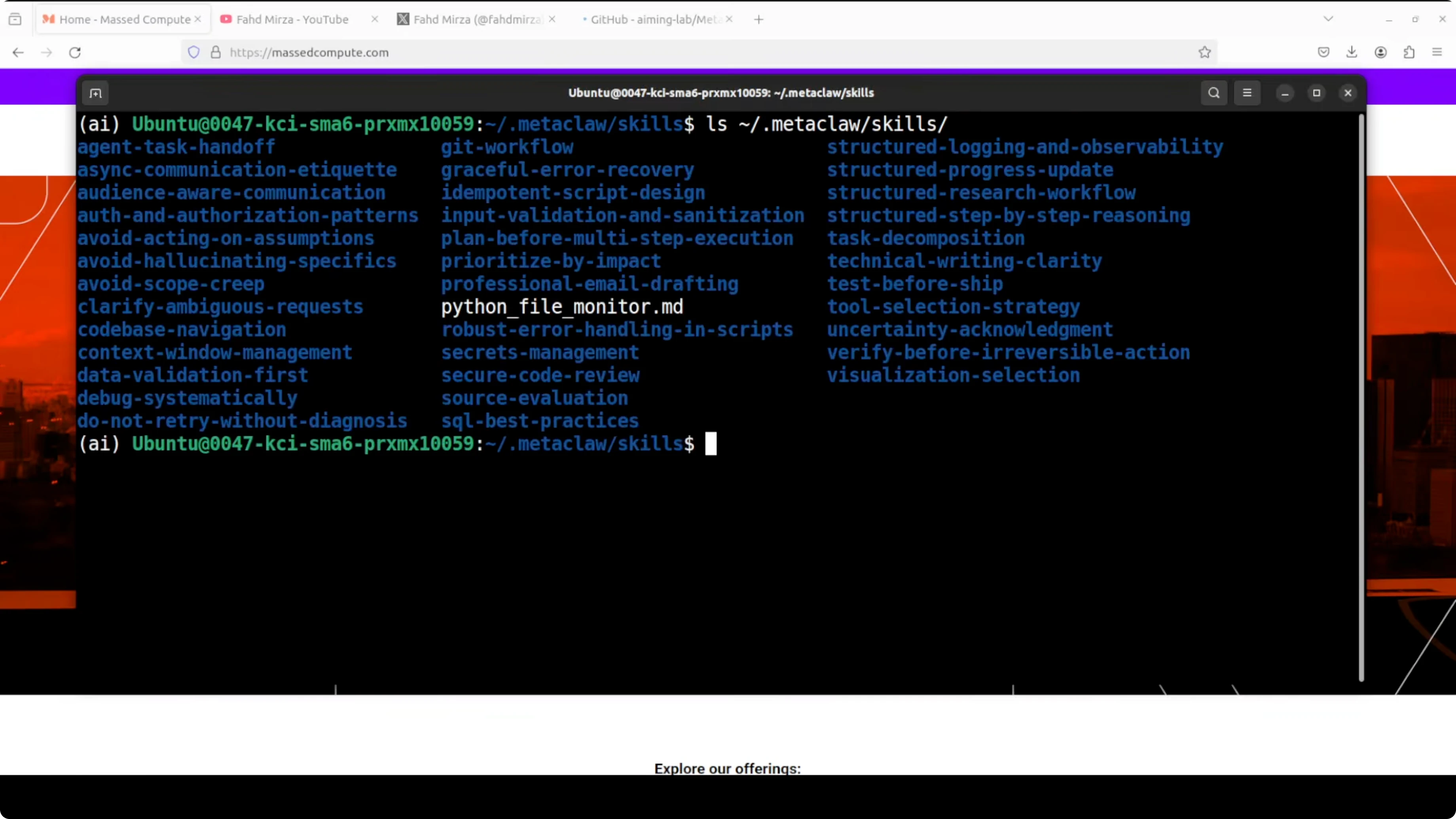
After this run, check the skills directory MetaClaw uses. You'll see a new file capturing the distilled pattern from your conversation. This is the reusable skill that gets injected the next time you request anything related to file monitoring.
Models under Ollama: choices, use cases, and trade-offs
Qwen 3.5 32B is strong on coding, tool use, and structured tasks. It shines for automation, scripting, and agent-style workflows where precise step-by-step output matters. It needs significant VRAM and will be slower on smaller GPUs.
LLaMA family models are versatile and widely available in Ollama. They're good for general reasoning, writing, and mixed chat plus code work. Smaller variants are faster but may miss deeper context on complex tasks.
If you want to explore an alternate OpenClaw fork that plays well with Ollama in local setups, this walkthrough is helpful: Zeroclaw with Ollama. It can be a solid baseline to compare agent behavior under the same MetaClaw proxy.
What to expect after setup
MetaClaw loads a set of general and task-specific skills from the skill bank at startup. It uses your local Ollama models, so you don't pay for API calls. You can access OpenClaw as usual while MetaClaw runs behind the scenes.
You'll notice skills and memory-like notes accumulating about your profile, tags, timing, and workspace. That context becomes part of the system prompt at the right moments. It's trying to do something valuable instead of just replicating OpenClaw.
Every session that teaches the agent something useful turns into long-term expertise. The more you use it, the sharper it gets. It automatically curates what matters without a manual training pipeline to manage.
Need help with AI integration?
Get in touch for a consultation on implementing AI agents in your infrastructure.
Reference and resources
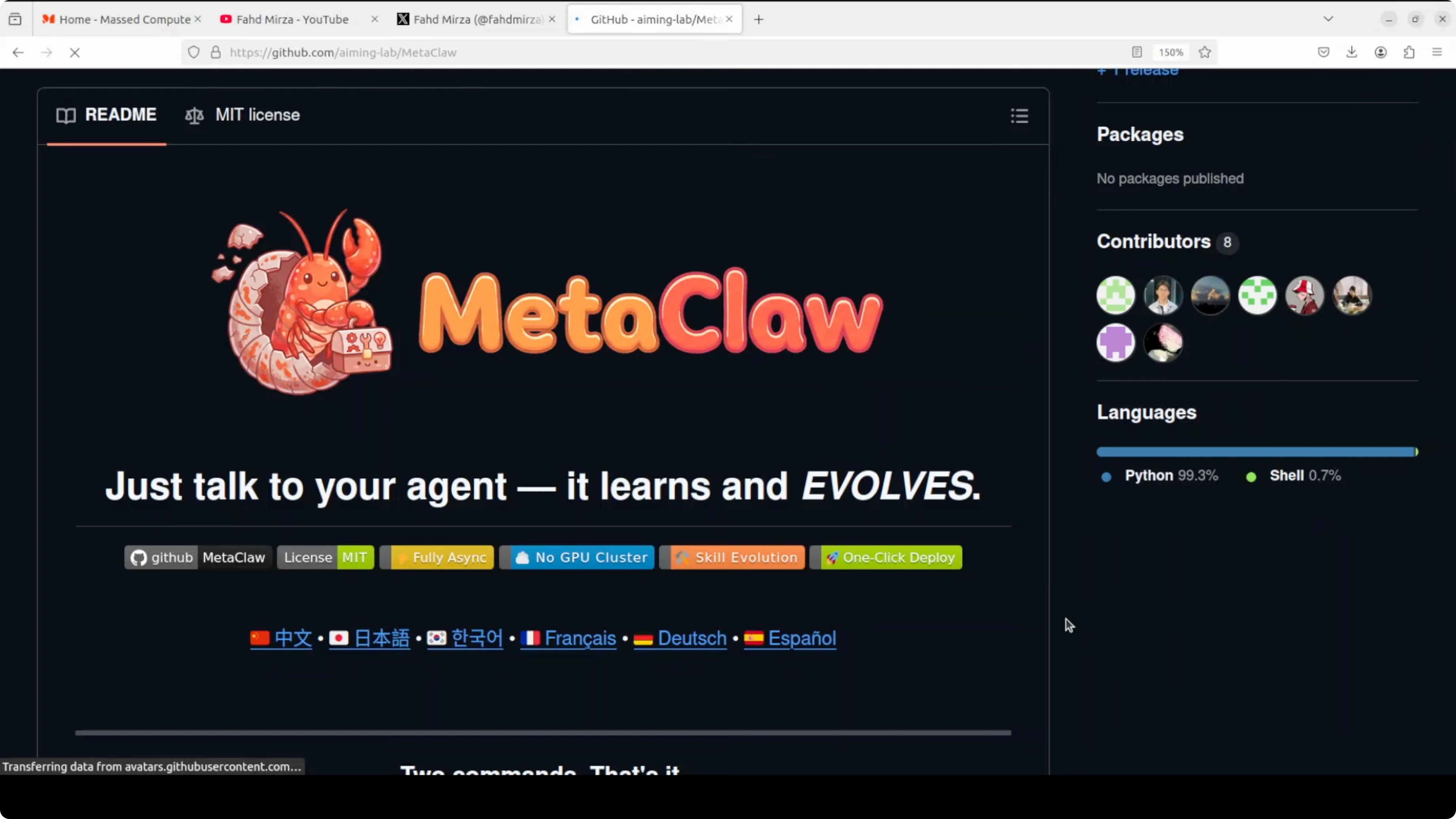
MetaClaw project page and setup details are here: MetaClaw on GitHub. You can track updates, issues, and exact config flags.
If you're starting fresh with OpenClaw on Ollama, this quick-start helps you get the pairing right before you add MetaClaw: OpenClaw with Ollama guide. It keeps the foundation stable so the proxy setup goes smoothly.
Final thoughts
MetaClaw wires into OpenClaw as a local proxy, injects the right skills automatically, and distills new ones after each session. If it works correctly, the more you use it, the sharper it gets, and it turns every conversation into your agent's long-term expertise.
Testing it with coding and workflow tasks shows clear gains where repeated patterns matter. Keeping everything local with Ollama and a capable GPU makes it cost-effective. The idea is intriguing: instead of an agent that starts from scratch every time, you have one that actually learns from your usage patterns.
For a deeper OpenClaw setup reference, keep these handy: OpenClaw dashboard setup and terminal access.


