

I installed and configured Qwen 3.5 0.8B with OpenClaw and Ollama on Ubuntu, running entirely on CPU. No GPU involved. The model weighs about 1 GB and responds via Telegram in a few seconds.
If you are looking for a small, fast, and fully local model, this guide shows you how to integrate Qwen 3.5 0.8B with OpenClaw. The setup works on any recent machine with decent CPU, ideal for testing, development, or deployment on budget VPS.
Written by Matteo Giardino.
Why Qwen 3.5 0.8B
800 million parameters. Not a giant like GPT-4 or Claude, but for many use cases it's more than enough:
- Quick answers to simple questions
- Telegram assistant for basic commands
- AI agent prototyping and testing
- Deploy on machines without GPU (VPS, Raspberry Pi 5, old laptops)
The model is from Alibaba's Qwen family, released in early 2026. It supports context up to 32k tokens (roughly 24,000 words), decent multilingual reasoning, and fast CPU inference thanks to its small size.
Real use case: I installed it on my Mac Mini M4 to run a testing Telegram bot that answers basic questions about OpenClaw documentation. It's not for complex reasoning, but for simple queries it's fast and costs zero.
Need help with AI integration?
Get in touch for a consultation on implementing AI tools in your business.
Prerequisites
Before starting, make sure you have:
- Ollama installed and updated - check version with
ollama --version - Ubuntu or macOS - guide tested on Ubuntu 24.04, but works on any recent distro and Mac
- At least 2 GB free RAM - model takes about 1 GB, OpenClaw and Ollama add another 500 MB
- Node.js 18+ - required by OpenClaw
If you don't have Ollama, install it from ollama.com. On Ubuntu:
curl -fsSL https://ollama.com/install.sh | shVerify installation:
ollama --version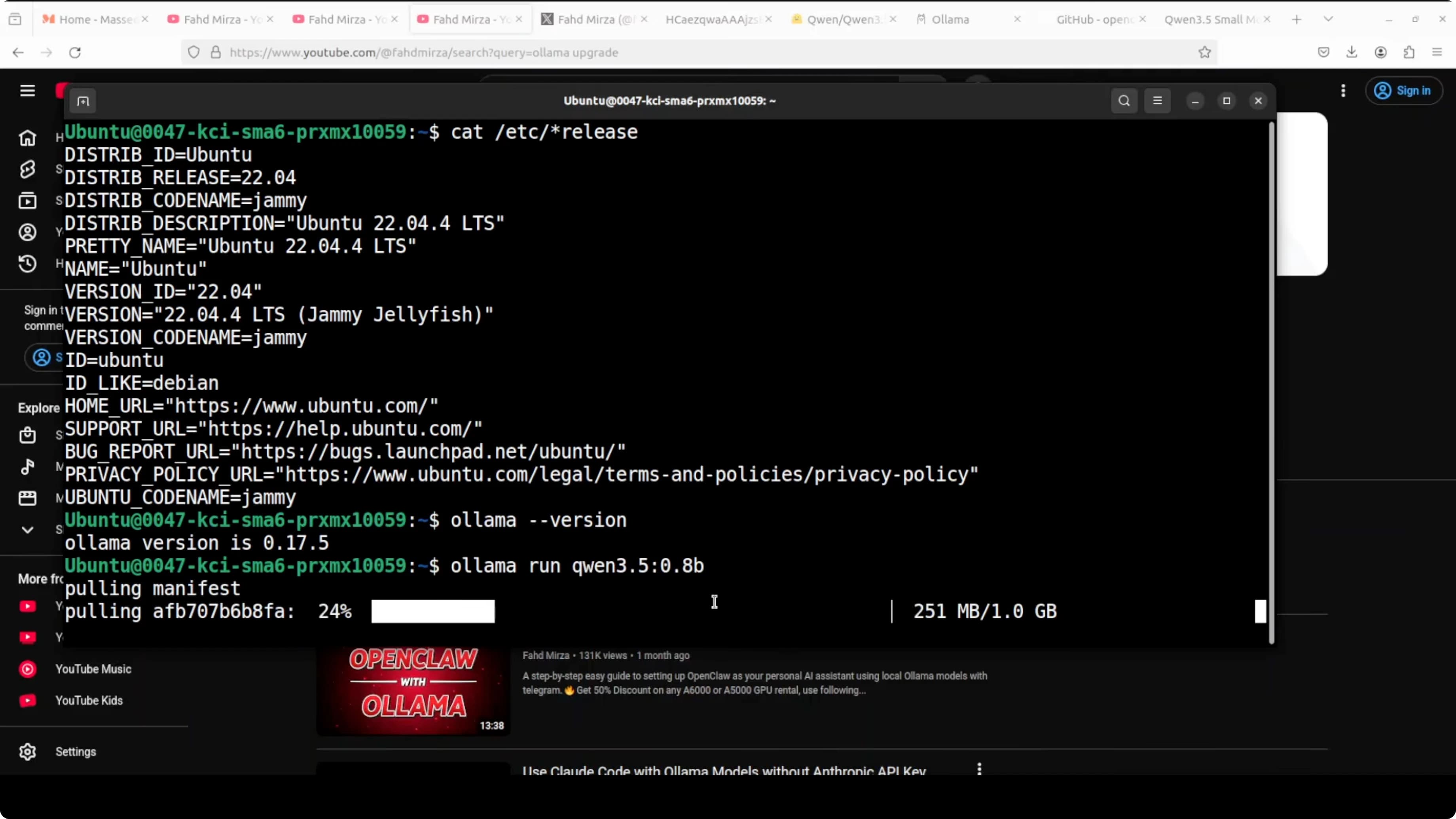
Download and Test Qwen 3.5 0.8B
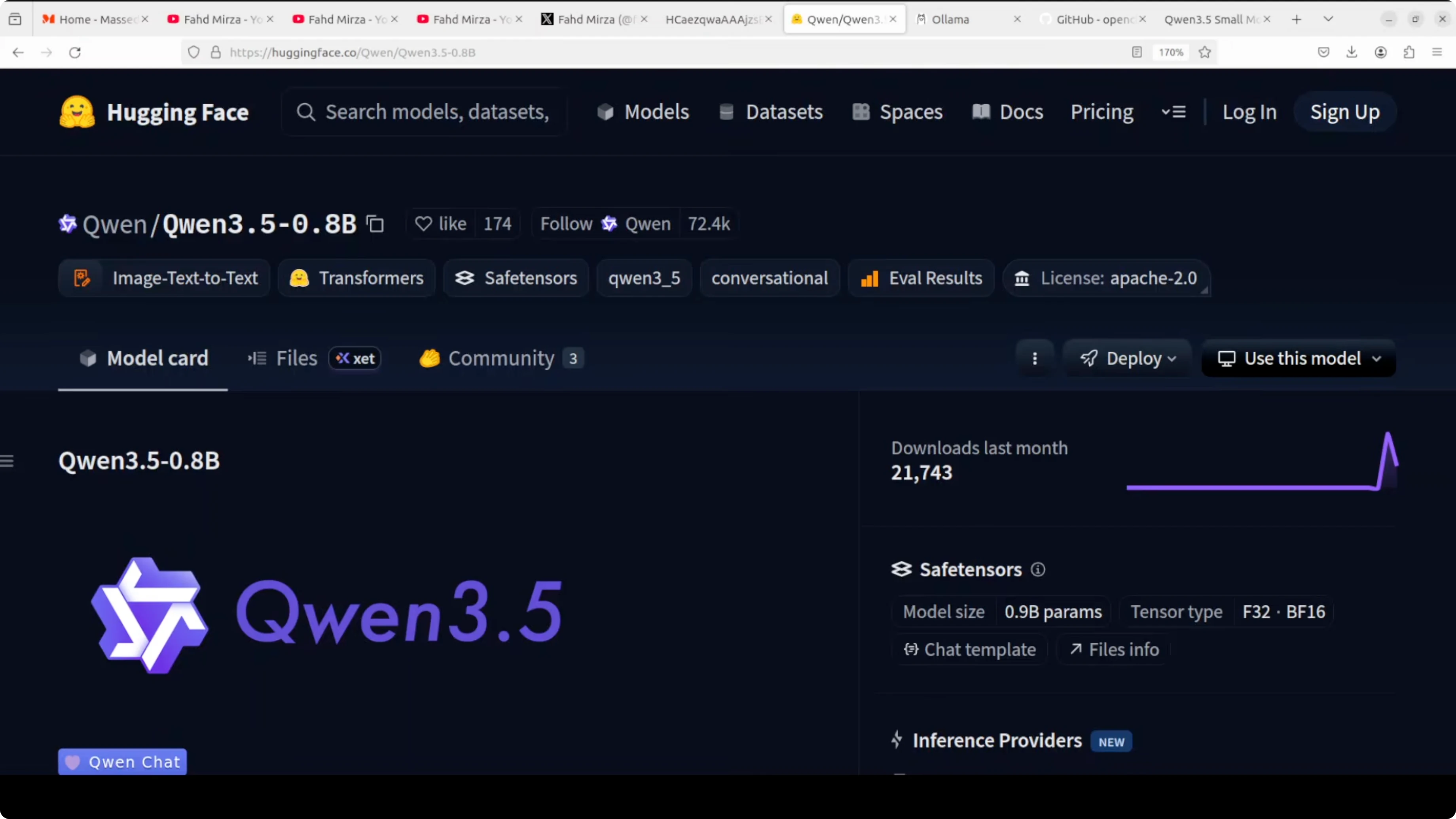
Use Ollama to download the model. The exact tag is qwen3.5:0.8b:
ollama pull qwen3.5:0.8bOllama downloads the model, verifies the checksum, and makes it available for local inference. Takes 1-2 minutes on a decent connection.
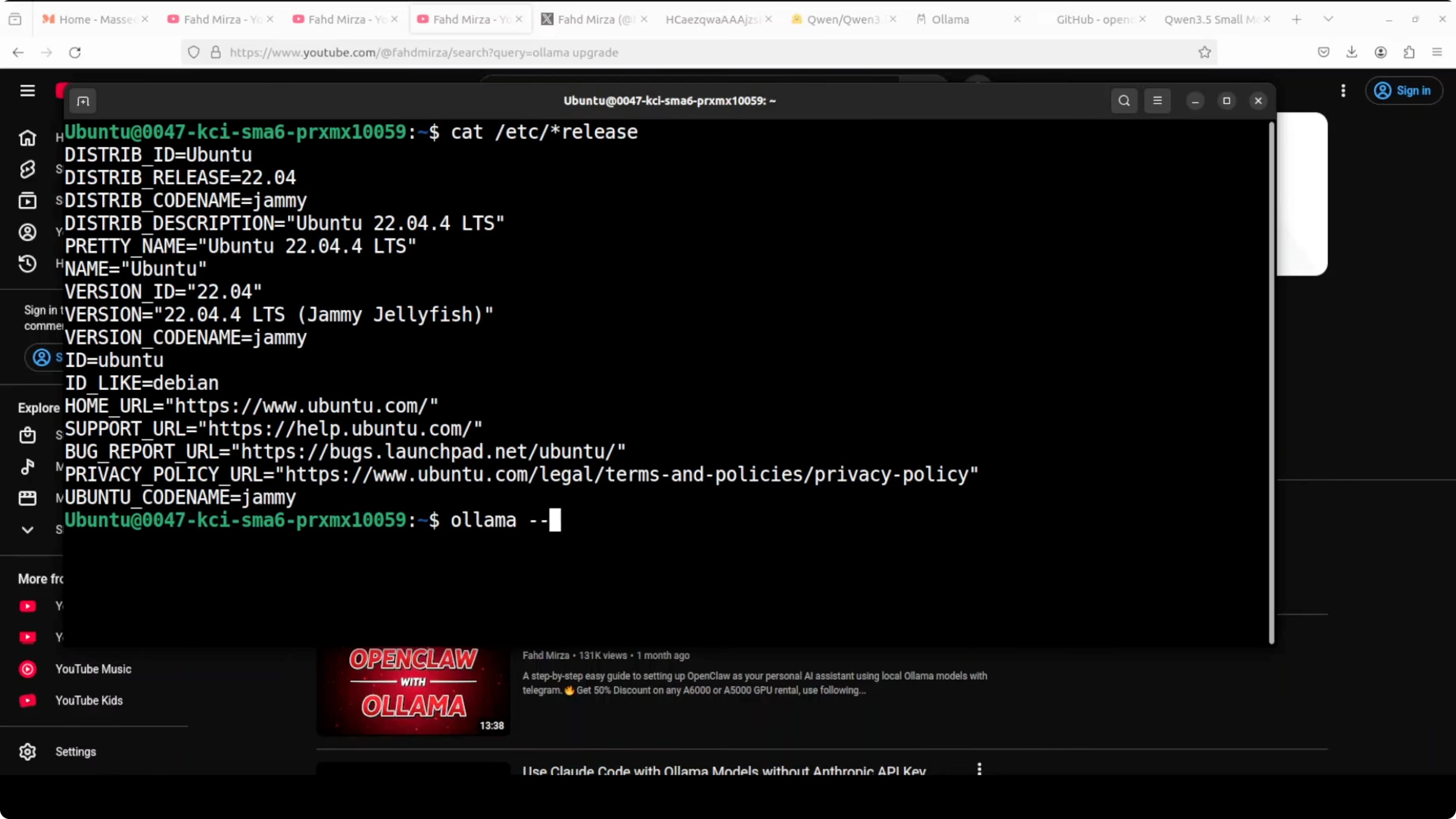
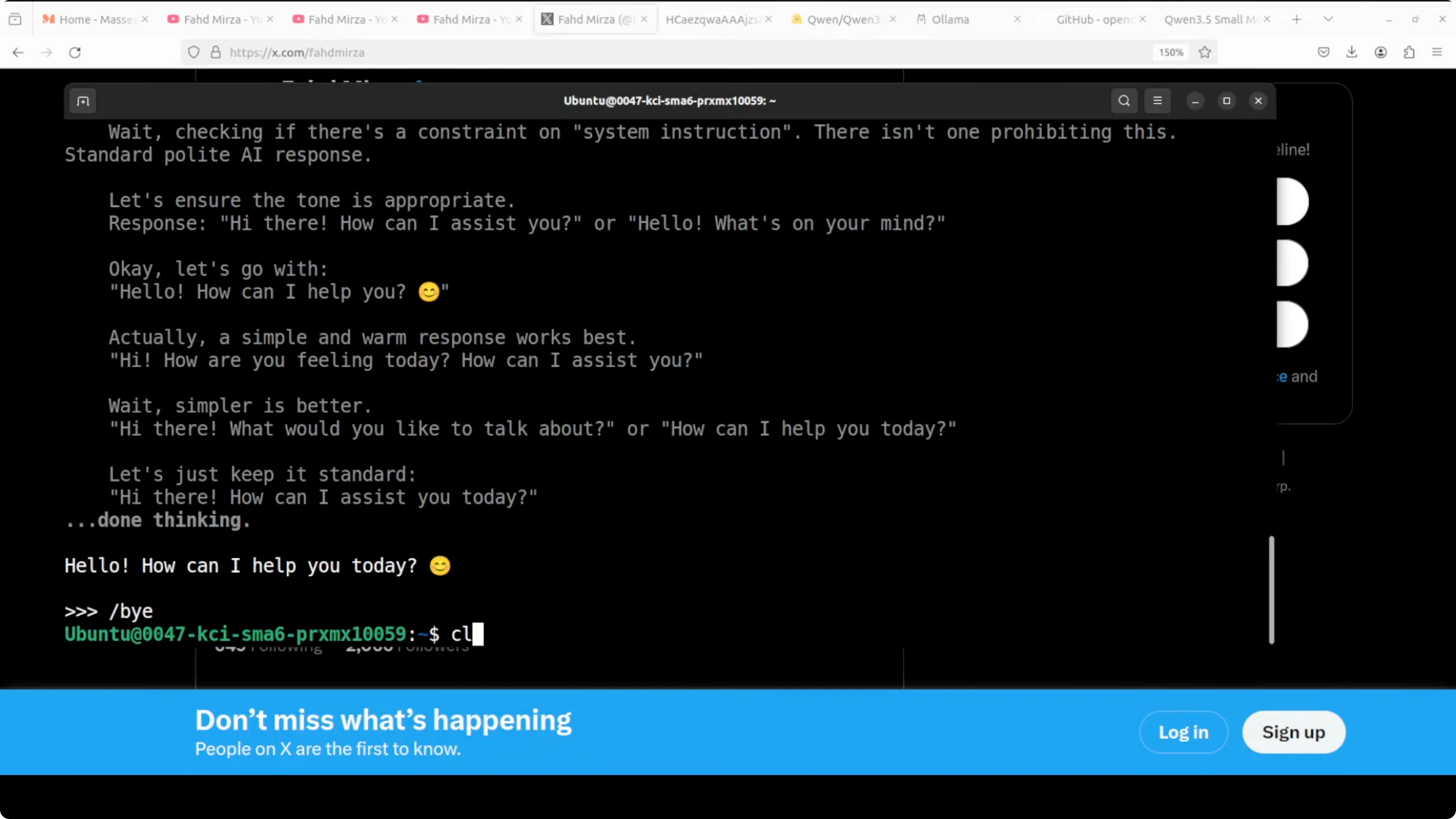
Test the model immediately in interactive mode:
ollama run qwen3.5:0.8bAsk a basic question to verify it works:
>>> Who wrote "1984"?
If you get a sensible answer (George Orwell), the model is active. Exit with /bye or Ctrl+D.
Verify the model is in your local list:
ollama listYou should see qwen3.5:0.8b in the output. Note the exact name - you'll use it in OpenClaw configuration.
Check out my projects
Take a look at the projects I am working on and the technologies I use.
Install or Update OpenClaw
If you already have OpenClaw installed, update it to the latest version:
npm install -g openclaw@latestIf it's your first install, go to github.com/openclaw/openclaw and follow the official instructions. The installer prepares the environment, installs dependencies, and configures the gateway.
Installation can take a few minutes to download updates and plugins. Once complete, check status:
openclaw statusIf you see "Gateway: running", you're ready. If the gateway isn't active, start it manually:
openclaw gateway startConfigure OpenClaw for Ollama
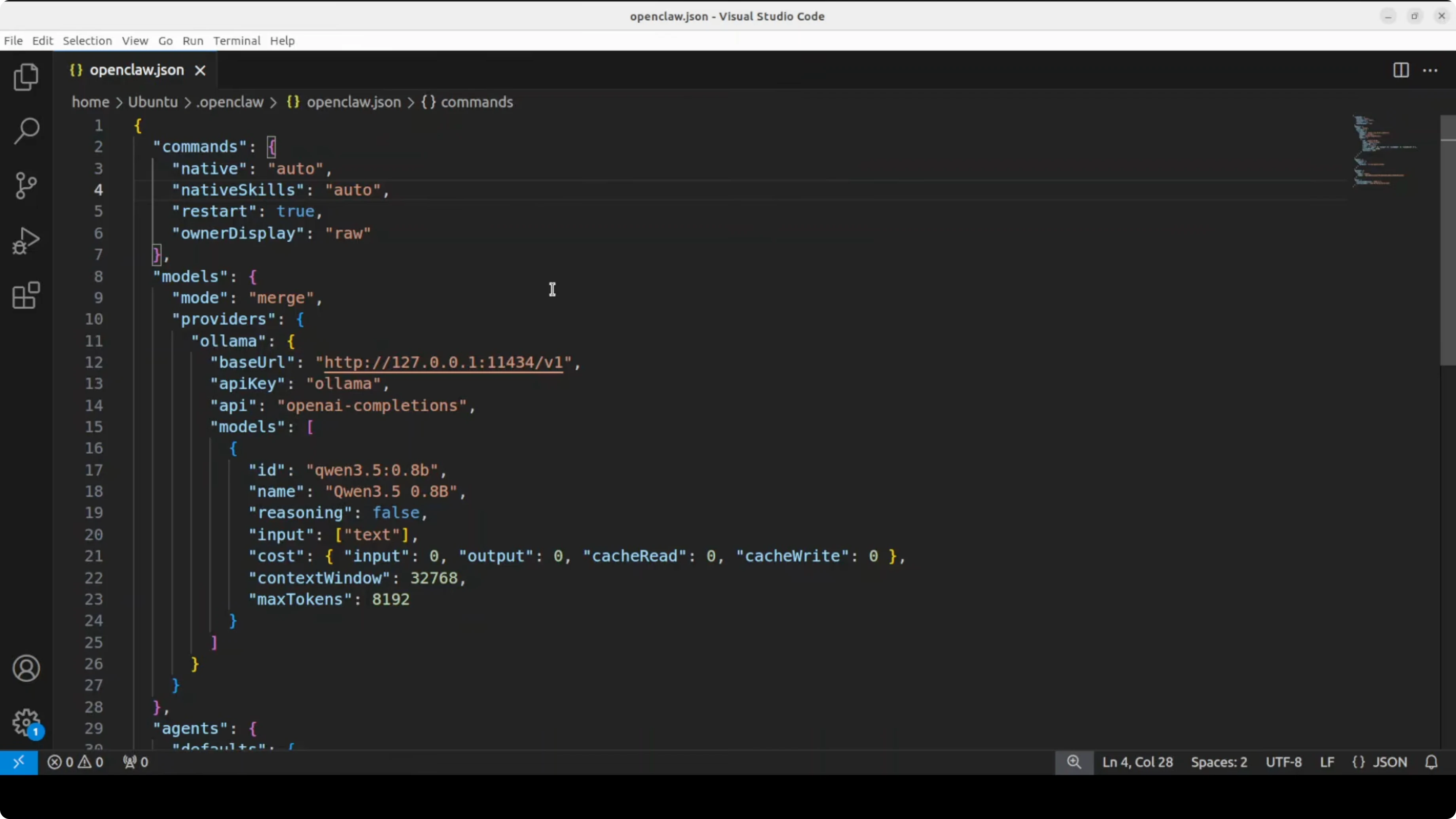
Open OpenClaw's configuration file:
nano ~/.config/openclaw/config.yamlAdd or modify the providers section to point to local Ollama and specify the model:
gateway:
  host: 127.0.0.1
  port: 3000

providers:
  ollama:
    type: ollama
    base_url: http://localhost:11434
    model: qwen3.5:0.8b

agents:
  default:
    provider: ollama
    system_prompt: You are a helpful assistant.

channels:
  telegram:
    bot_token: YOUR_TELEGRAM_TOKEN
Key points:
base_url: http://localhost:11434- Ollama's local endpoint (default port)model: qwen3.5:0.8b- must match EXACTLY the name inollama listprovider: ollama- tells OpenClaw to use the local Ollama provider
Save the file (Ctrl+O, Enter, Ctrl+X on nano).
Restart the gateway to apply changes:
openclaw gateway restart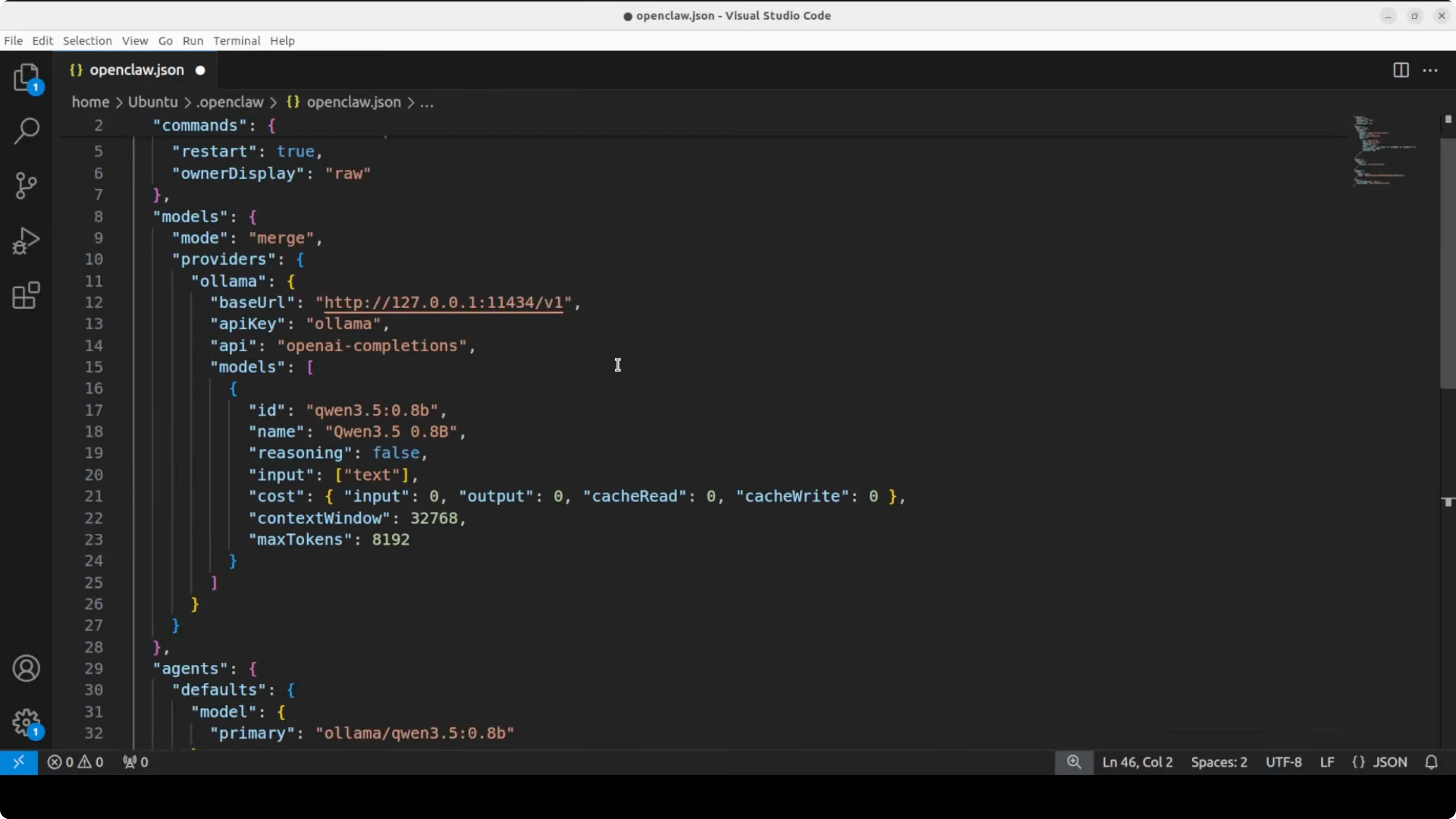
Want to automate your workflow with AI?
Let's talk about building custom AI agents for your business.
Configure Telegram
Open Telegram and search for @BotFather. Start a chat and create a new bot:
/newbot
Follow the instructions:
- Choose a name for the bot (e.g. "Qwen Assistant")
- Choose a unique username ending with
bot(e.g.qwen_assistant_bot)
BotFather will give you an API token. Copy it - it's long, starts with numbers, and contains the : character.
Important: rotate the token after testing if you expose it in public repositories or screenshots.
Now add the token to OpenClaw's configuration file (we already prepared it above in the channels.telegram.bot_token section). If you prefer using the interactive wizard:
openclaw configureSelect:
- Gateway type:
local - Channel:
telegram - Paste the token when prompted
Save and restart the gateway:
openclaw gateway restartTest the Local Model
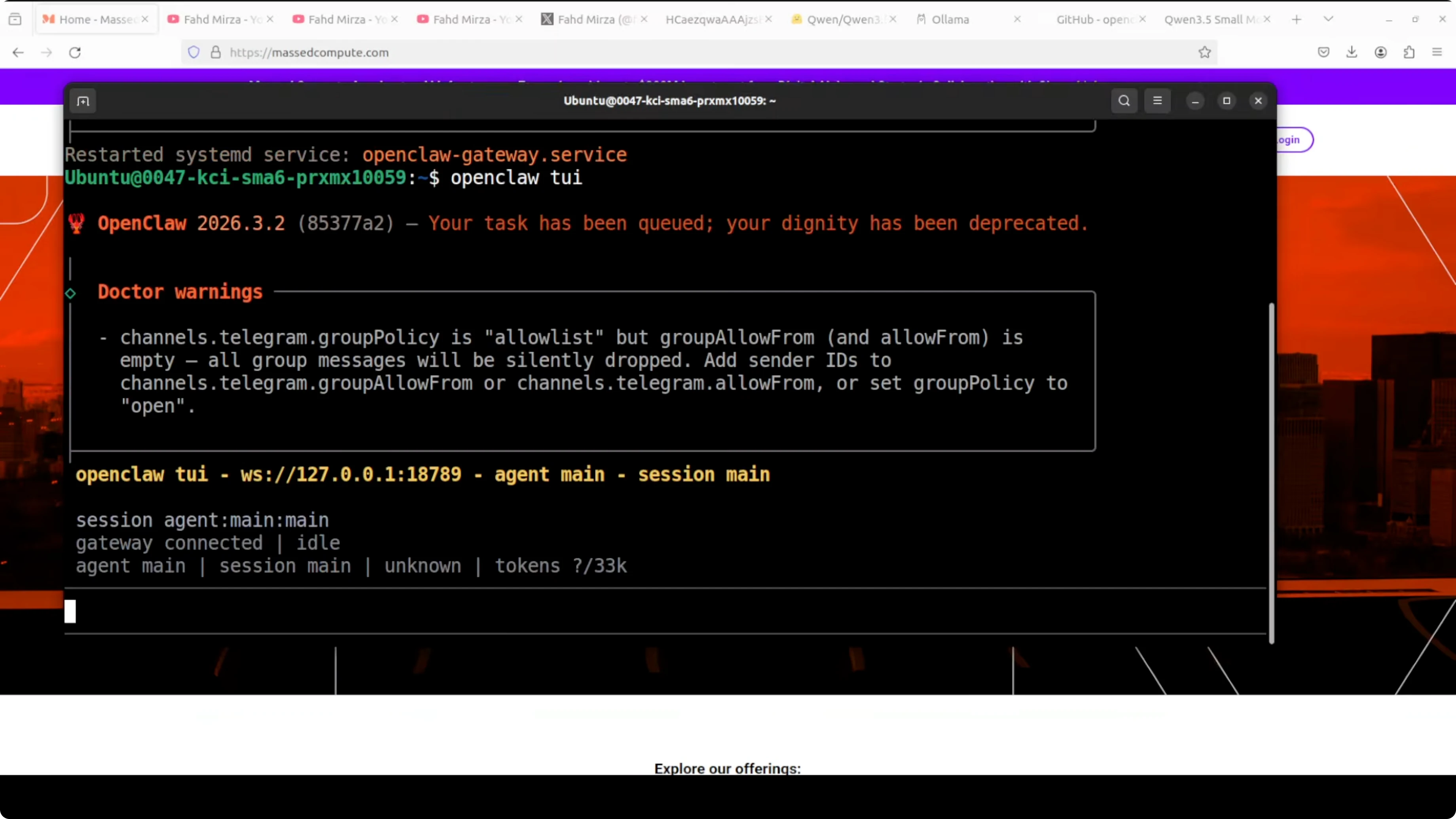
Start OpenClaw's terminal interface:
openclaw tuiOr use the web dashboard if you prefer:
openclaw dashboardThe dashboard opens at http://localhost:3000. If you see "Unauthorized", generate an access token with openclaw token create and use it to authenticate.
To pair Telegram, go to Telegram and search for the bot you created (find it by searching for the username you chose, e.g. @qwen_assistant_bot). Click /start.
If everything is configured correctly, the bot will respond immediately using the local Qwen 3.5 0.8B model via Ollama.
Practical test: send a simple message like:
Hello! How do you work?
You should get a response within seconds. The response arrives both in OpenClaw's terminal/dashboard interface and directly on Telegram.
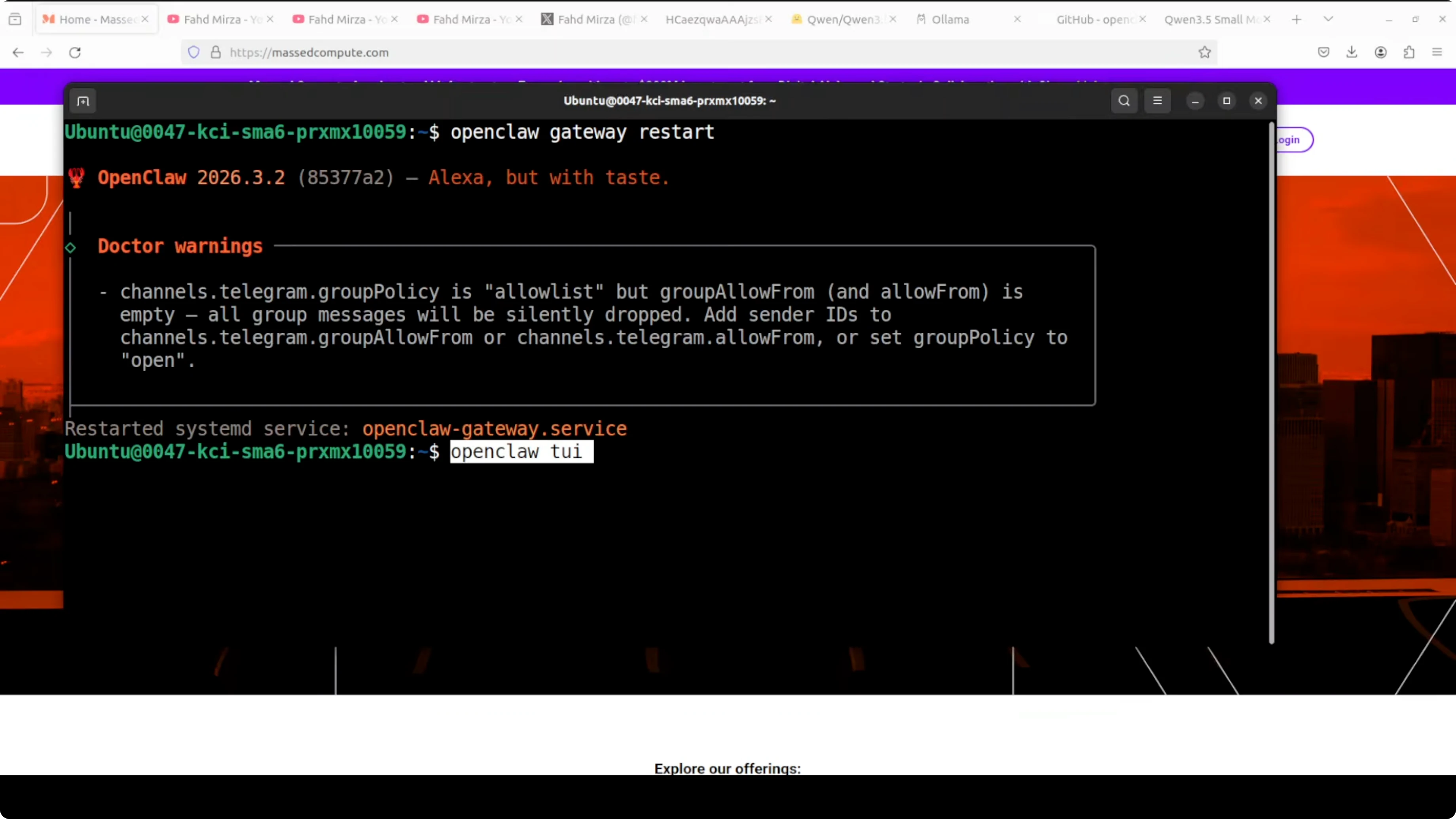
Check latency: on a Mac Mini M4 with M4 CPU, average latency is 2-3 seconds per response (depends on query complexity). On a VPS with Intel Xeon CPU, expect 5-8 seconds.
Have questions about OpenClaw?
Contact me for technical consulting on setup, deployment, and optimization of AI agents.
Limitations and When NOT to Use Qwen 3.5 0.8B
This model is NOT suitable for:
- Complex reasoning (math, advanced logic)
- Advanced code generation (better with Qwen Coder 7B or Claude Sonnet)
- Long document summarization (context limited to 32k tokens)
- Elaborate creative or narrative output
Use it for:
- Simple chatbots (FAQs, basic support)
- Telegram assistants for quick commands
- AI agent prototyping (test workflows before moving to large models)
- Deploy on limited hardware (budget VPS, Raspberry Pi)
If you need more advanced reasoning, consider Qwen 2.5 7B (also on Ollama) or switch to cloud models like Claude 3.5 Sonnet via OpenRouter.
Alternatives and Similar Models
Other small models to try with Ollama + OpenClaw:
- Phi-4 3.8B (Microsoft) - excellent for code generation on CPU
- Gemma 2 2B (Google) - balanced between size and quality
- Llama 3.2 3B (Meta) - good compromise for general use
To compare local models:
ollama list
ollama run <model-name>
Change the model in OpenClaw config and restart the gateway. Everything else stays the same.
Resources and Further Reading
Conclusion
I installed Qwen 3.5 0.8B on CPU with OpenClaw and Ollama. The setup is quick (15 minutes total), the model responds in seconds, and Telegram integration works without exotic configurations.
When to use it: rapid prototypes, simple bots, AI agent testing, deployment on limited hardware.
When to avoid it: complex reasoning, advanced code generation, elaborate creative output.
If you want a local, small, working model without GPU, Qwen 3.5 0.8B is a great starting point. Start here, test your workflow, then scale to larger models if needed.
Frequently Asked Questions
How to run Qwen 3.5 0.8B locally with OpenClaw and Ollama on CPU?
Simply install Ollama, pull the model using the command ollama pull qwen3.5:0.8b, and configure the ollama provider in OpenClaw's config.yaml. The entire environment runs smoothly on standard CPU processors without requiring dedicated GPUs.
What is the average latency on a system without a GPU?
Performance depends on your processor. On a Mac Mini M4, the average response time is about 2-3 seconds, while on an affordable Linux VPS server it's roughly 5-8 seconds.
How much RAM is required for Qwen 3.5 0.8B?
The Qwen 3.5 0.8B model is incredibly lightweight, taking up only about 1 GB of space. Along with OpenClaw and Ollama, the entire setup runs perfectly fine with just 2 GB of free RAM, making it ideal for Raspberry Pi or older laptops.