

Running OpenClaw can get expensive fast if you're hitting paid APIs with every request. But what if you could run a powerful AI agent at zero cost?
OpenRouter makes this possible by aggregating over 600 models, including dozens of free options. Some are surprisingly capable - good enough for daily automation, code assistance, and research tasks.
Let me show you how to find free models, configure them in OpenClaw, and test them effectively.
Checking Your Current Setup
Before switching models, verify what you're currently using. Ask your running OpenClaw agent:
"What provider and model are you using?"
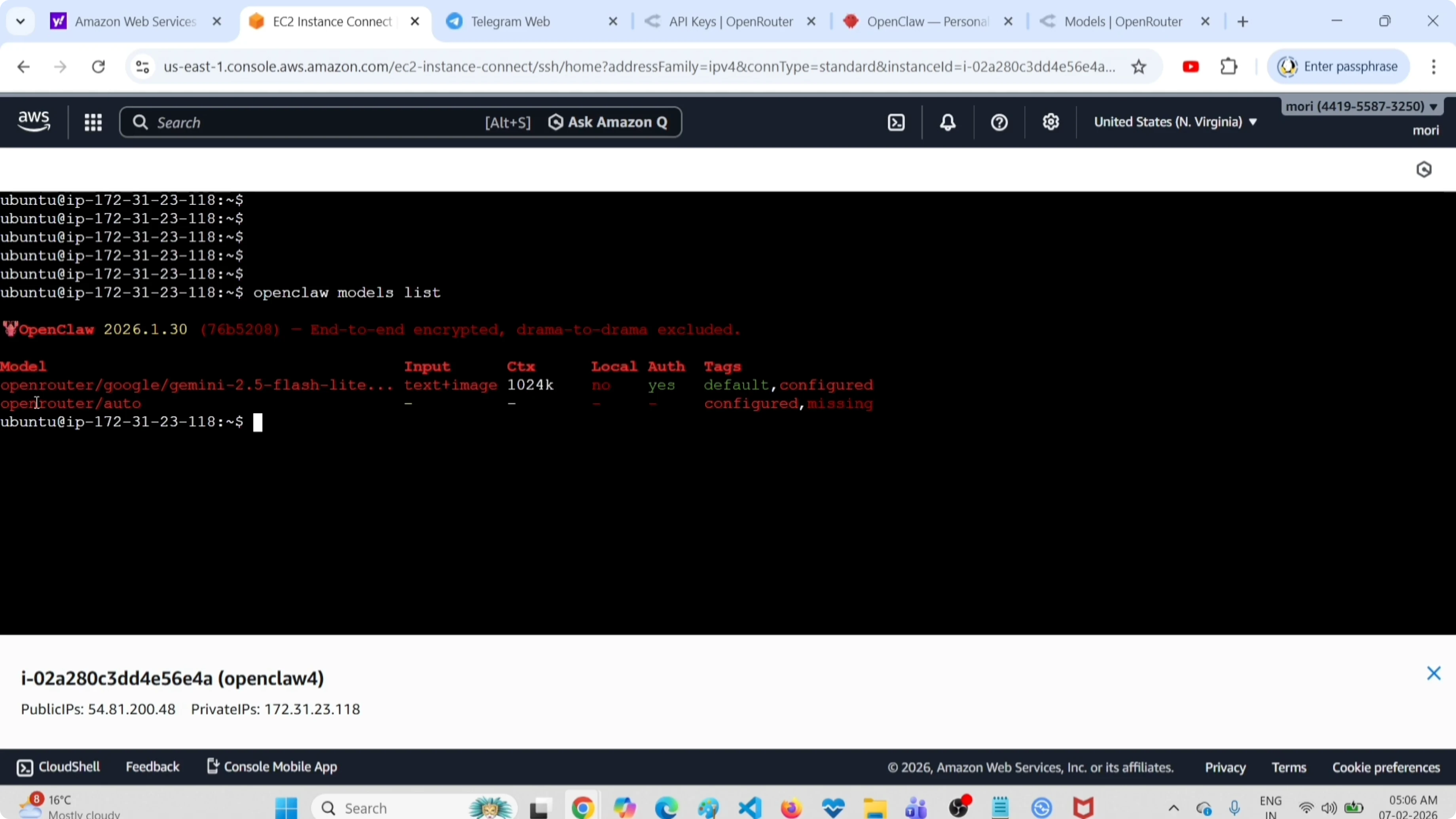
Or run from the command line:
openclaw models listThis shows your primary model and any configured fallbacks. In my setup, I was running google/gemini-2.5-flash-preview through OpenRouter.
Finding Free Models on OpenRouter
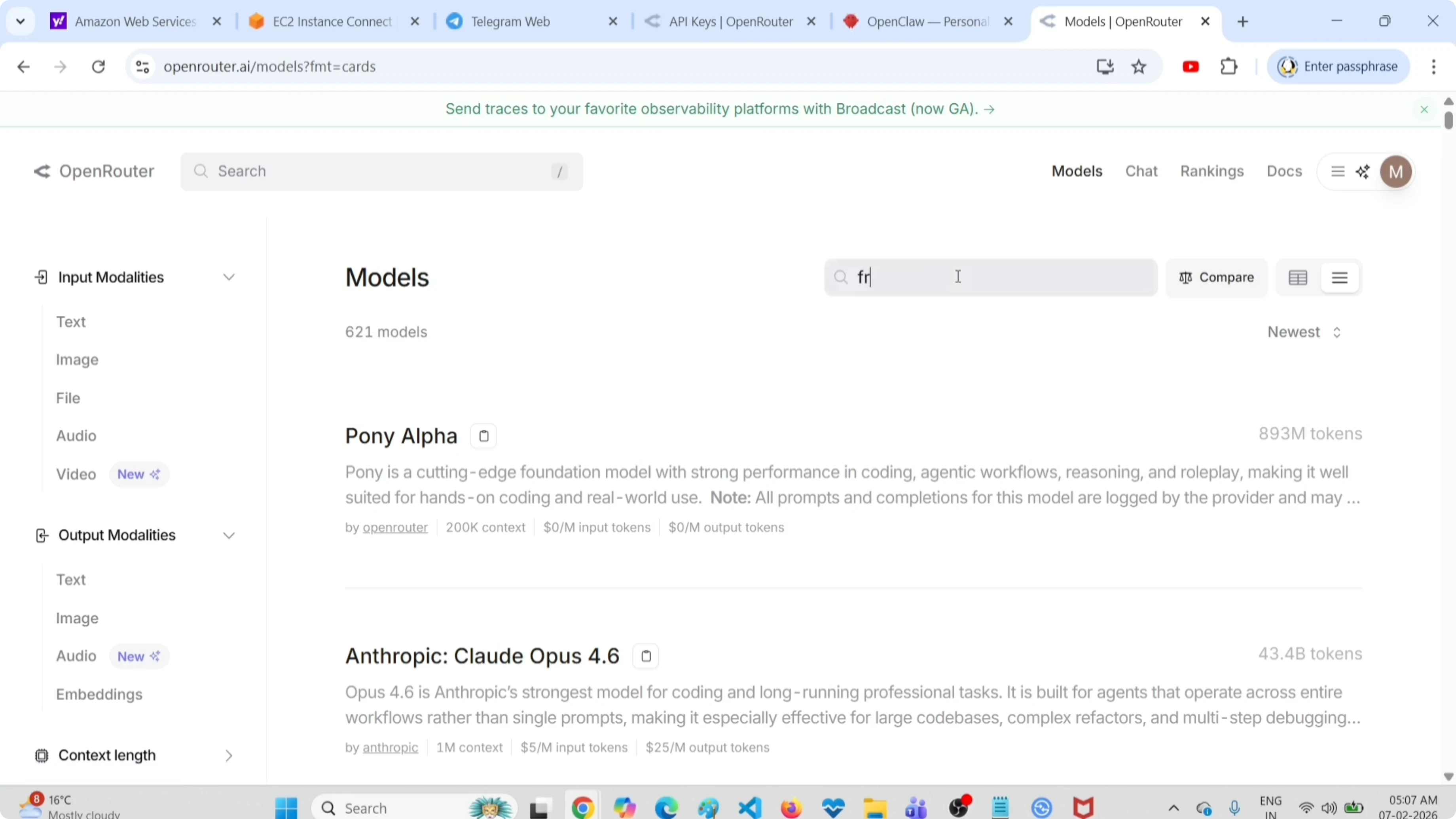
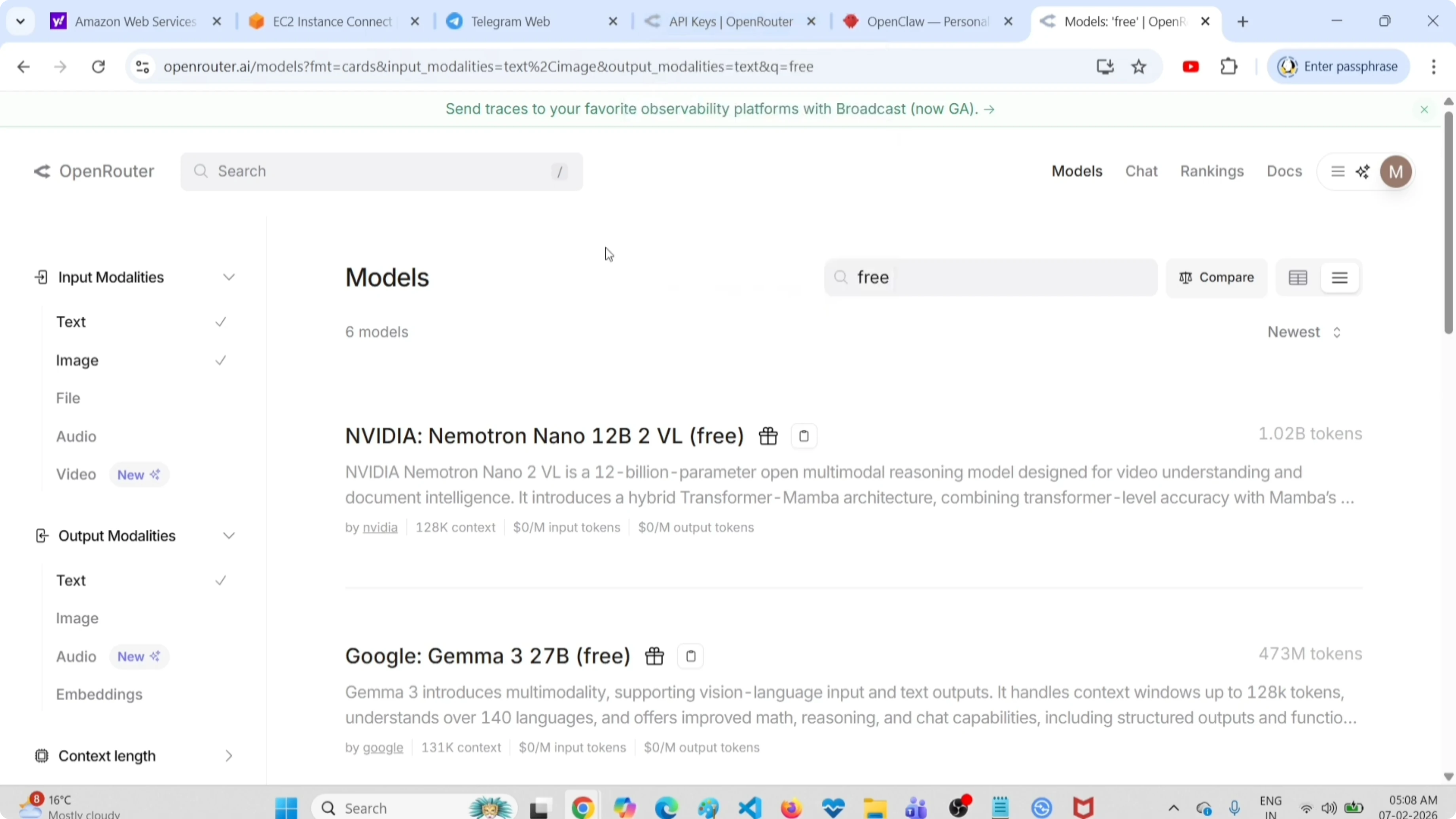
Head to openrouter.ai/models. You'll see 621 models (and counting). The interface lets you filter by input/output modalities and cost.
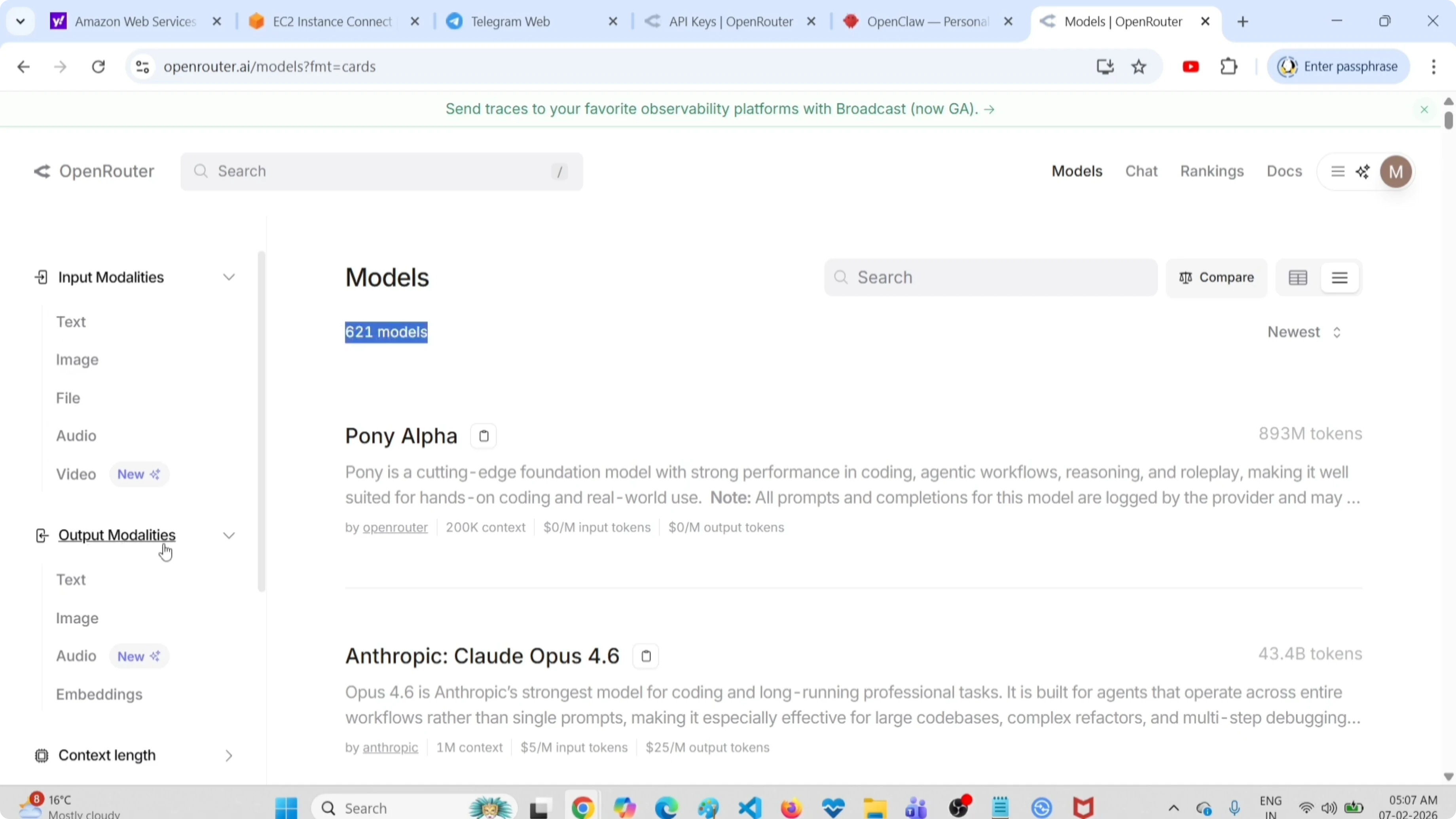
To find free options, type "free" in the search box:
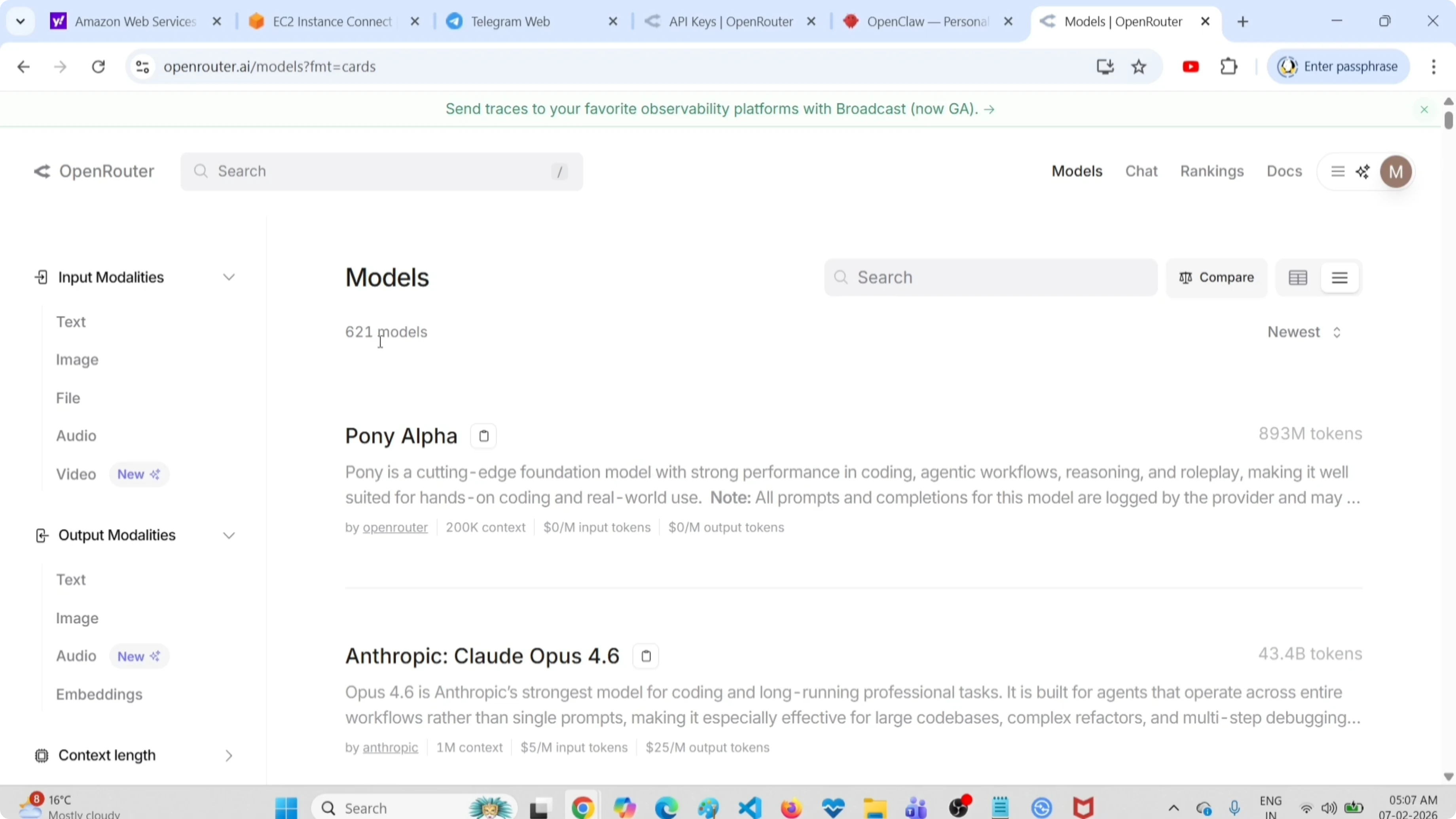
You'll see models marked with $0.00 pricing. These are completely free to use, though they often have rate limits or lower priority in queues.
Need help with AI integration?
Get in touch for a consultation on implementing AI tools in your business.
Filtering by Modalities
Want to narrow down further? Use the modality filters.
Text-Only Models
Select Text under both Input and Output for traditional text-based models:
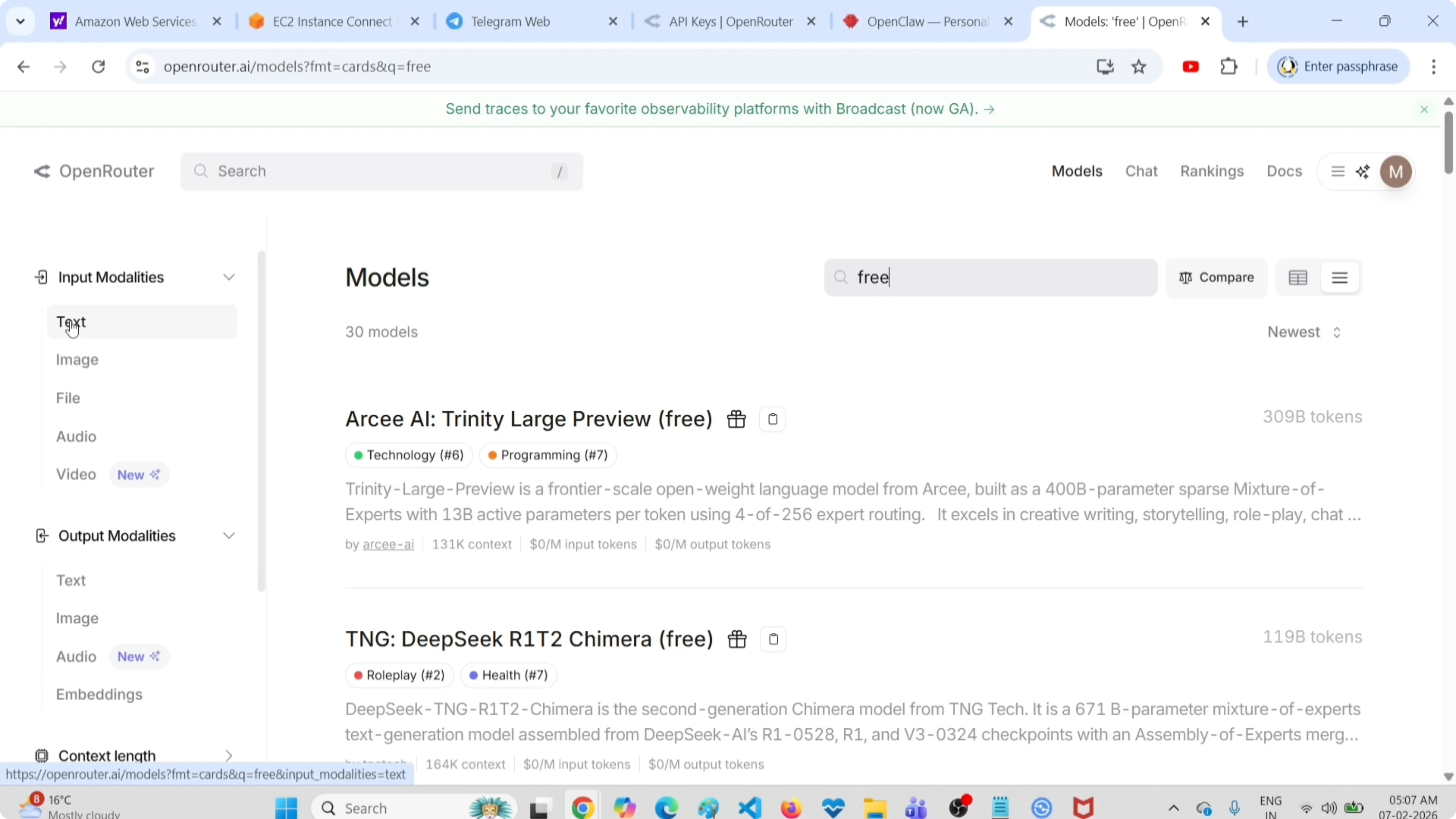
These are your best options for coding assistance, writing, research, and general automation tasks.
Image-to-Text Models
Select Image under Input and Text under Output for vision models:
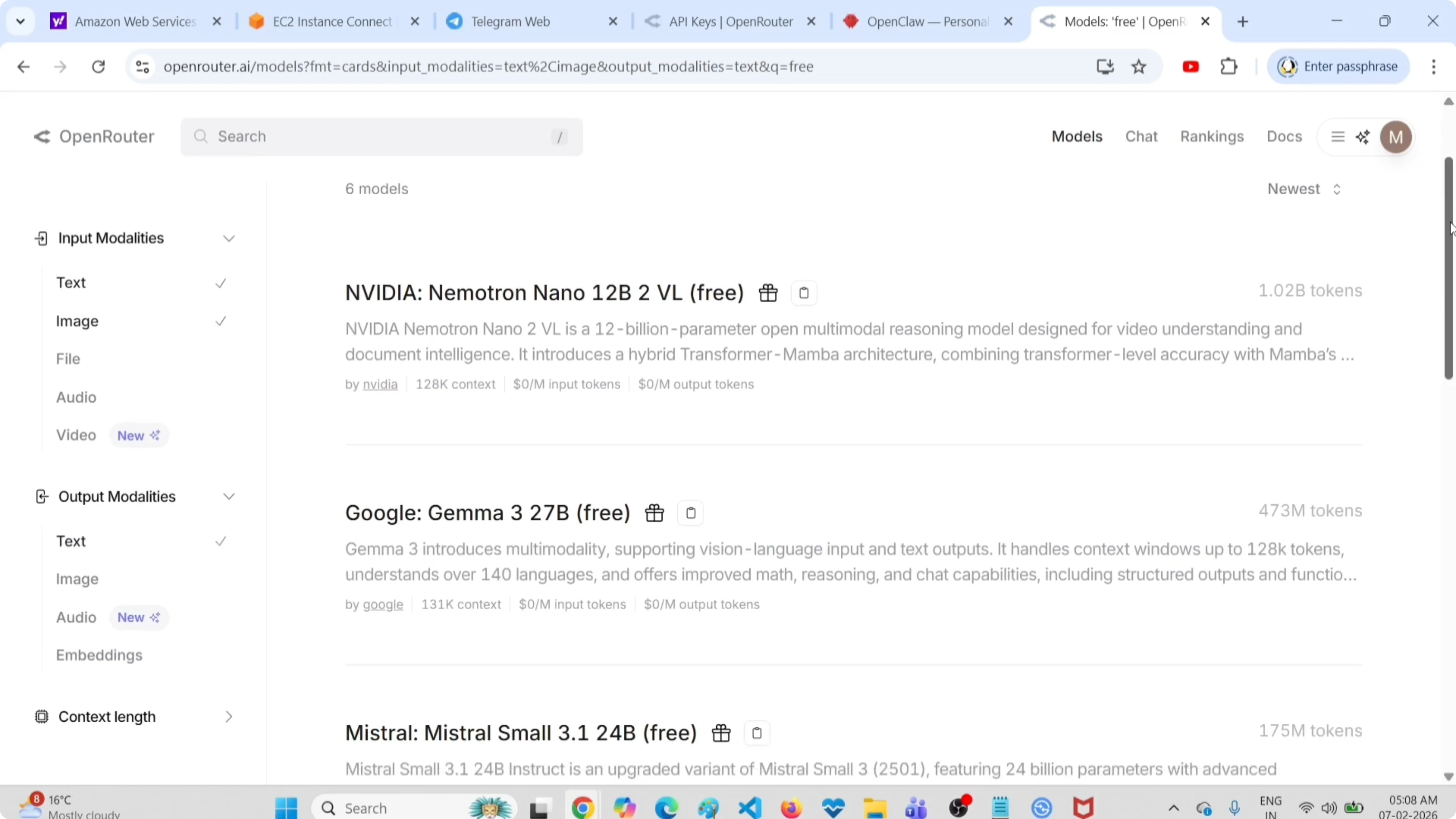
Free vision models can scan documents, analyze screenshots, extract text from images, and describe visual content. Surprisingly useful for automation workflows.
Image Generation?
Check Image under Output to see if any free image generation models exist:
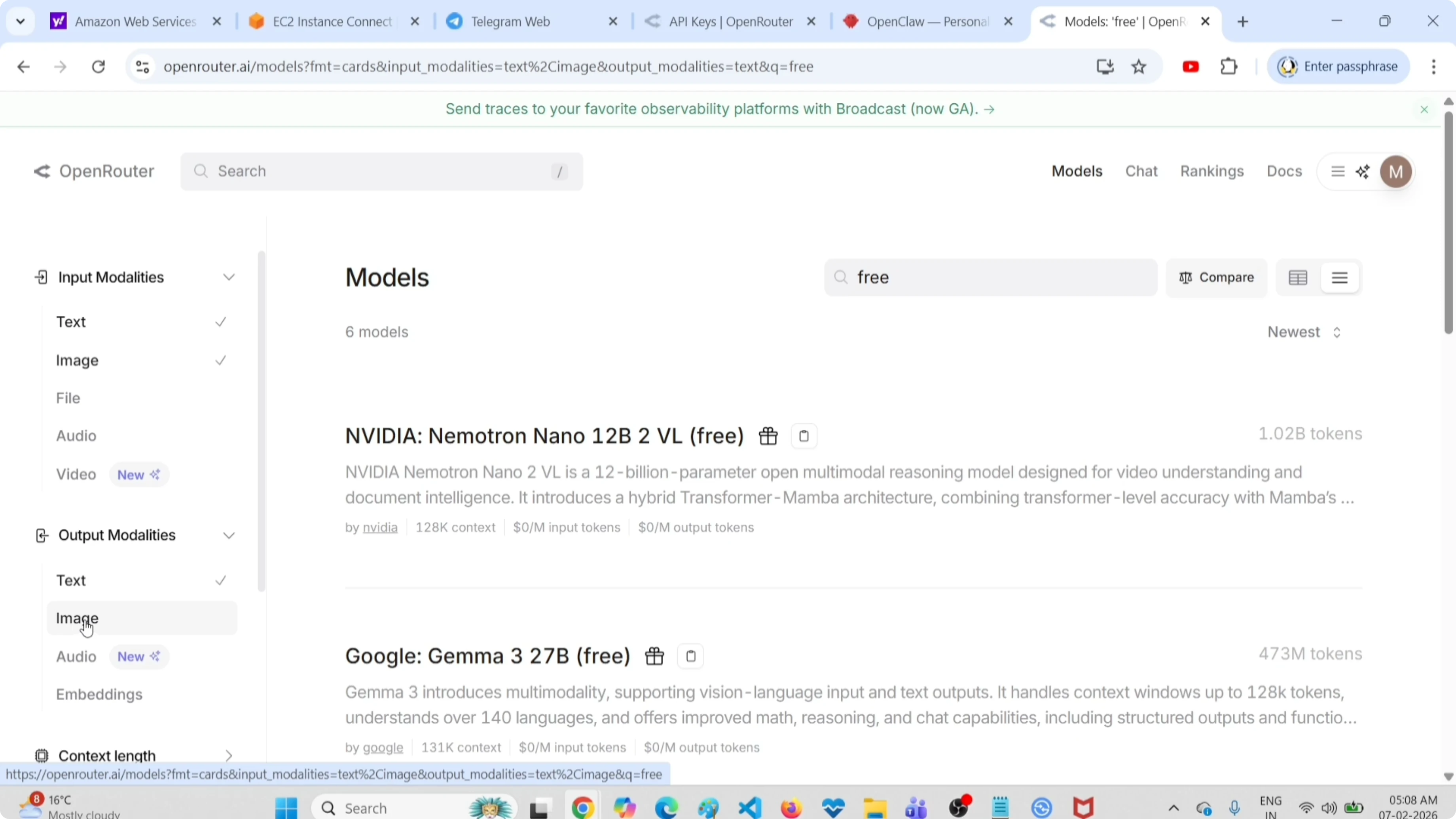
At the time of writing, there are no free image generation models on OpenRouter. Text-based and image-to-text models are the only free options.
Configuring a Free Model in OpenClaw
Once you've picked a model, note its model ID (shown in the card on OpenRouter). Then configure it as your primary model.
Edit your OpenClaw config (usually ~/.config/openclaw/openclaw.json):
{
  "provider": "openrouter",
  "model": "google/gemma-2-9b-it:free",
  "models": {
    "openrouter": {
      "apiKey": "your-openrouter-key"
    }
  }
}
Restart the gateway:
openclaw gateway restartVerify the switch:
openclaw models listThe primary model should now show your selected free option.
Explore My Projects
Check out the projects I am working on and the technologies I use.
Testing Your Free Model
Send a quick prompt to test responses:
openclaw agent run --session-id testAsk something practical:
"Summarize the key features of Next.js 15 in bullet points"
Free models will be slower than premium options and may have lower quality responses, but for many tasks they're more than adequate.
What Works Well with Free Models
- Code snippets - Basic syntax, common patterns
- Research summaries - Condensing information
- Text processing - Formatting, cleaning, extracting data
- Scheduling automation - Simple logic, reminders
- Documentation parsing - Reading and summarizing docs
What Doesn't Work Well
- Complex reasoning - Multi-step logic, math
- Long-form writing - Quality drops on longer outputs
- Nuanced judgment - Understanding context, tone
- Real-time speed - Rate limits mean slower responses
Local Alternatives
If you want to avoid external APIs entirely, consider running models locally with Ollama. OpenClaw has forks optimized for Ollama:
- ZeroClaw - Lightweight OpenClaw fork with Ollama support
- PicoClaw - Minimal resource usage
- NullClaw - Stripped-down version
These run entirely on your hardware with zero external API calls. Slower than cloud models but completely private and free.
Want to integrate AI in your business?
Contact me for a consultation on implementing AI tools tailored to your company.
Cost vs Capability Trade-offs
Free models make sense when:
- You're testing OpenClaw for the first time
- Running low-priority background tasks
- Automating simple, repetitive work
- Budget is a hard constraint
Paid models make sense when:
- You need reliable, fast responses
- Quality matters (writing, code generation)
- Complex reasoning or long context required
- Production use cases with real users
Most productive setups use ClawRouter to blend both - routing simple requests to free models and complex ones to paid models automatically.
Final Thoughts
OpenRouter's free tier gives you genuine access to capable models at zero cost. The quality won't match GPT-4 or Claude, but for automation workflows and experimentation, it's more than enough.
Start with a free text model, test it on your actual use cases, and upgrade selectively to paid models where quality matters. You can save hundreds of dollars per month with smart routing.
And if privacy is a concern, go fully local with Ollama and the ZeroClaw fork. No external APIs, no usage logs, just your AI running on your hardware.