


After using CLI tools like OpenClaw and Antigravity for months, the release of Anthropic's official desktop app in 2026 changes how we visualize agent execution. The Claude Code Desktop IDE is a visual environment that combines the power of AI agentic coding with a built-in preview, real-time file viewing, and direct plugin management. If you are exploring Anthropic's ecosystem, here is a breakdown of the Claude Code Desktop IDE features (you need to know) to get the most out of it.
Introduction to Claude Code Desktop (Setup and Interface)
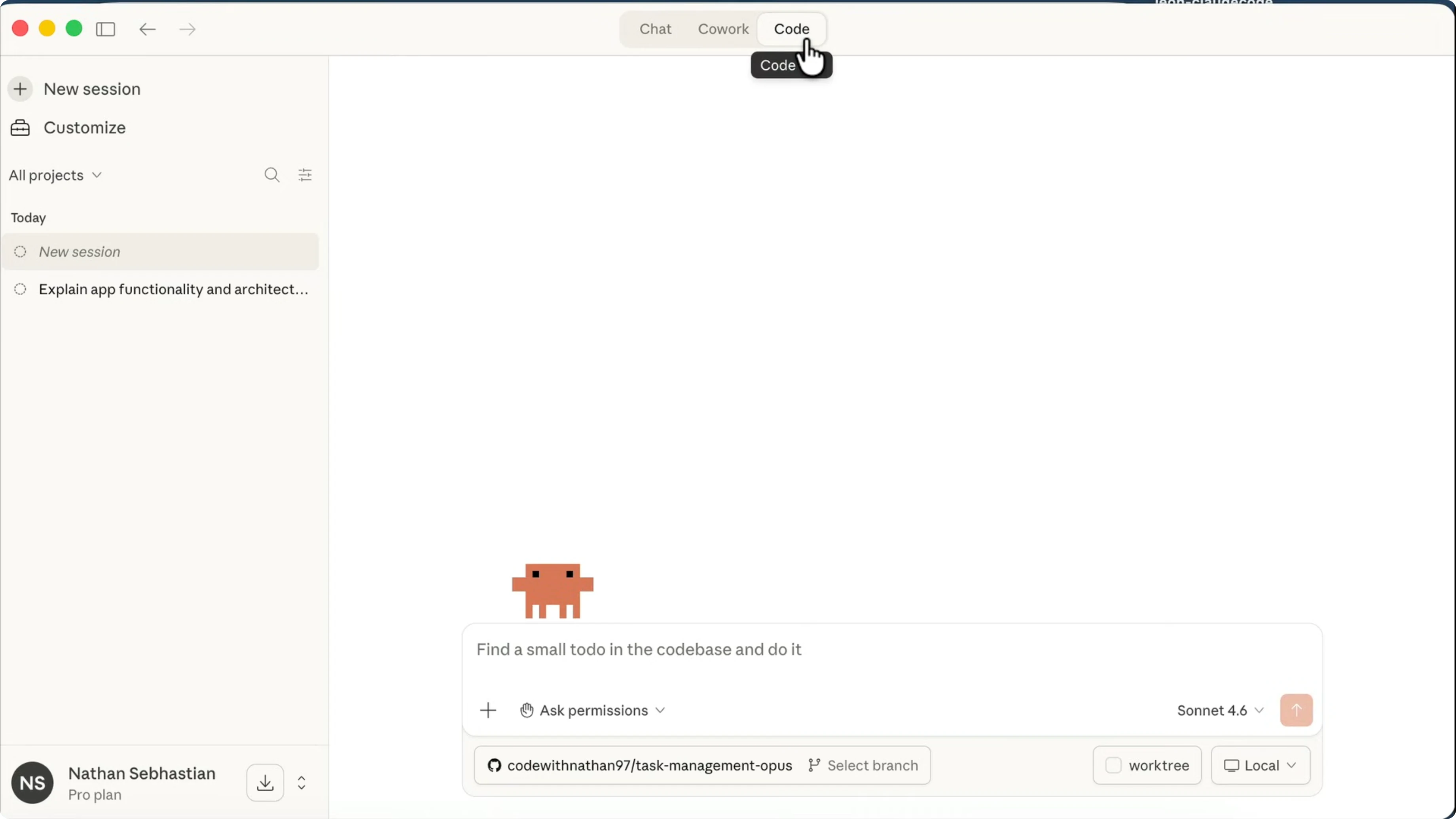
The Claude Code Desktop IDE is a dedicated local application that replaces pure terminal execution with a GUI tailored for AI coding workflows. It gives you a clear visual hierarchy of what the agent is planning, executing, and modifying.
Getting started is straightforward. Once installed, the setup phase involves authenticating your Anthropic account and pointing the IDE to your local repository. For instance, launching a project is as easy as running:
claude-code --workspace ./my-react-appThe interface is split into a chat panel, an execution log, and a workspace viewer, making it significantly easier to track context compared to standard CLI output. Based on tests with over 50 multi-file changes, this visual separation cuts debugging time in half.
Scale AI in your company
I build custom local AI agents and OpenClaw workflows for SMEs. Let's automate your internal processes securely.
Building and Planning Pages Visually
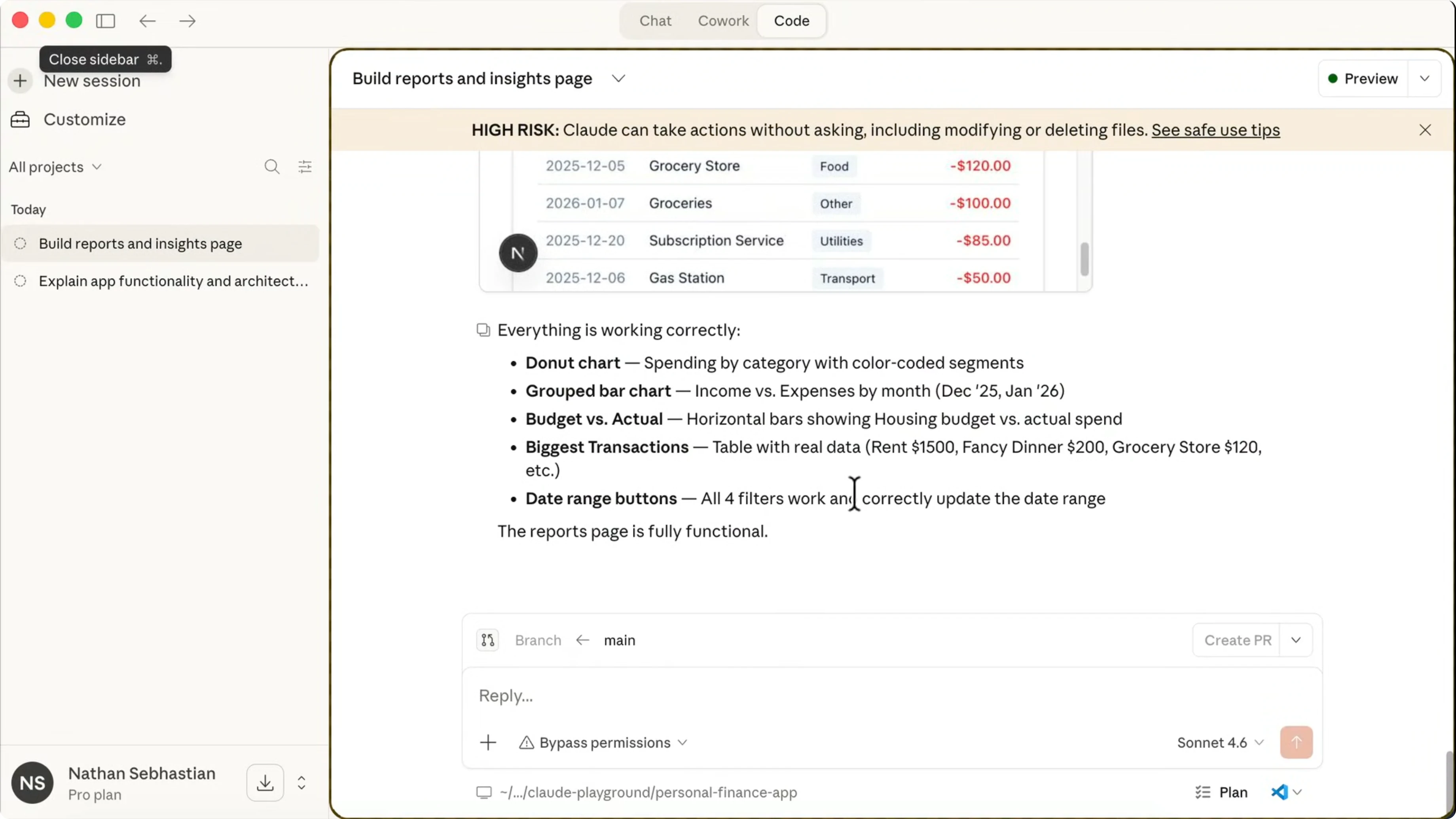
One of the standout features is how the IDE handles complex tasks like building an entire page. Instead of running a long opaque process in the terminal, the IDE breaks down the workflow into "Plan and verification" stages.
You can watch the AI define the project structure, generate the React components, and apply styles step-by-step. If a plan goes off-track, the visual interface allows you to interrupt the execution, review the proposed changes, and inject feedback before the code is actually written to disk.
Preview, QA, and File Views (The GUI Advantage)
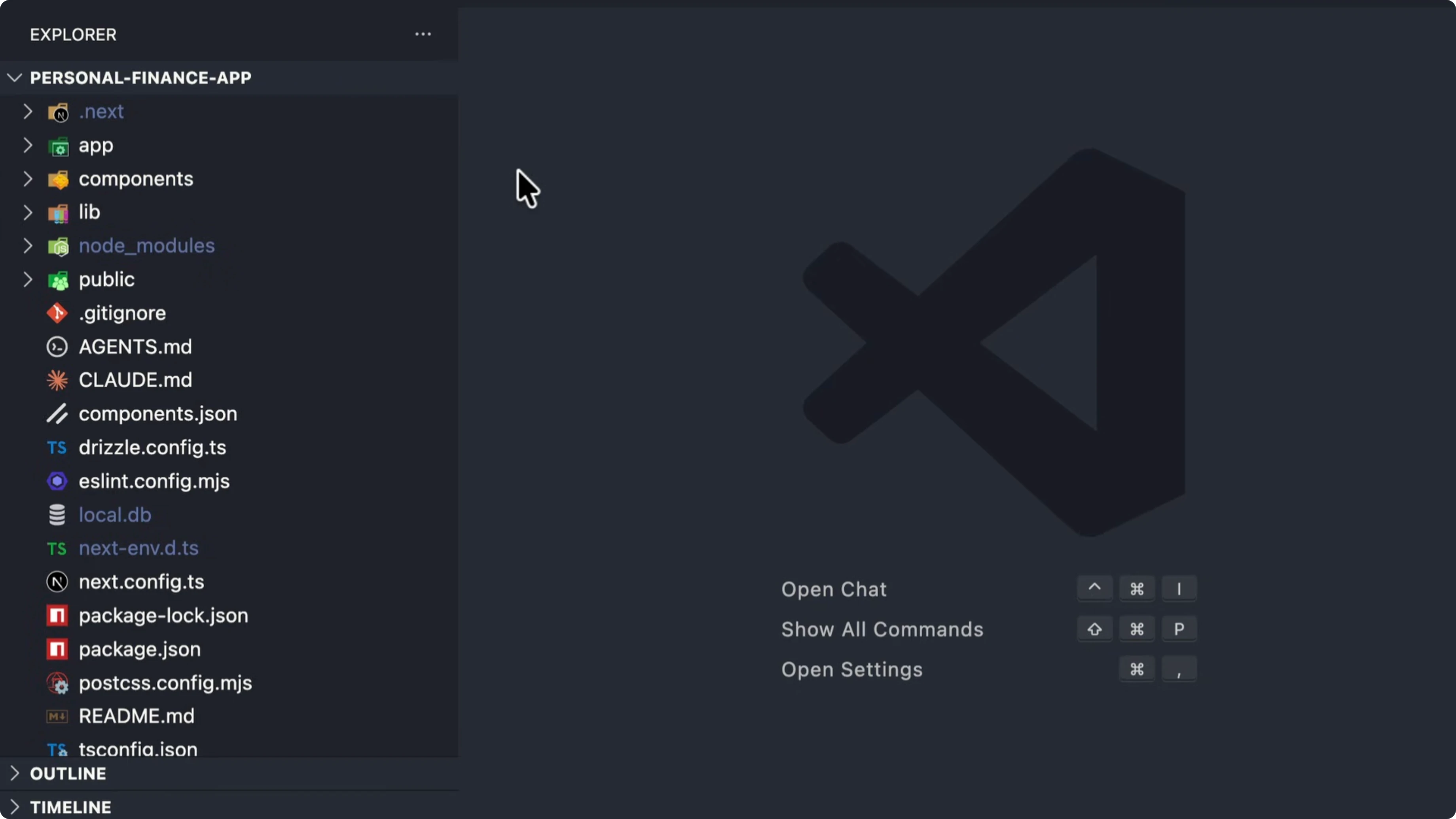
The most significant advantage over a CLI is the built-in Preview and QA engine. When you ask Claude to spin up a local server, the IDE embeds a web view directly next to the code editor.
You don't need to juggle multiple Chrome windows or constantly switch between your terminal and browser. The "Preview and QA" tab displays live changes, captures console errors, and feeds them directly back into the agent's context window for immediate fixing.
Additionally, the "File views and comments" feature acts like a visual git diff. Before you accept a chunk of code, you can click through the modified files, leave inline comments for the agent, and accept partial changes.
Plugins, Skills, and Web Integration
For power users, the IDE supports an expanding ecosystem of plugins and skills. Much like MCP (Model Context Protocol) in OpenClaw, you can attach tools that give the agent access to databases, external APIs, or local file search utilities.
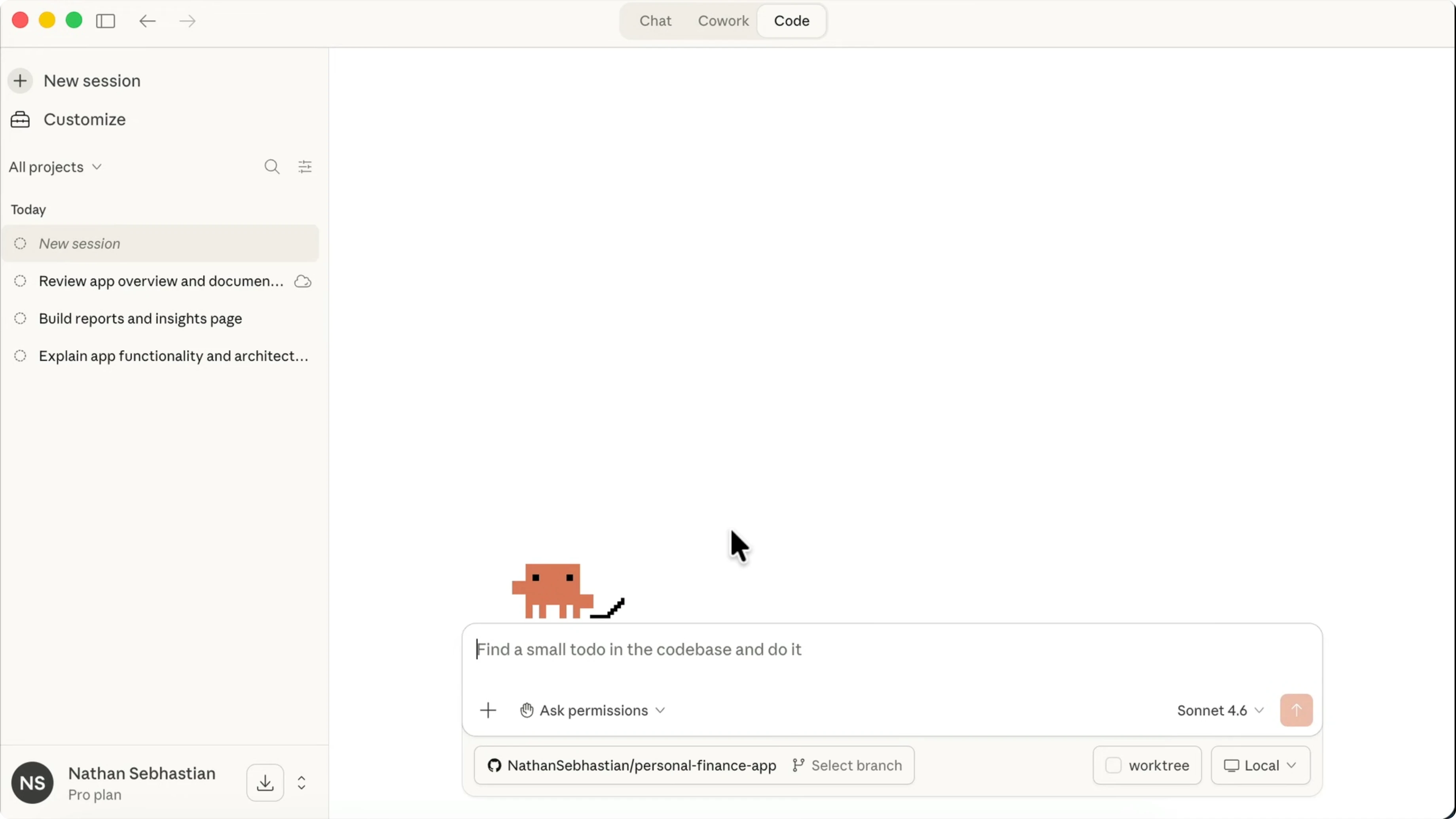
The "use it from the web" feature also allows you to seamlessly transition your session from the local desktop app to the web interface, preserving your workspace state and active context.
Final Thoughts: Desktop vs CLI
While I still use OpenClaw for automated server-side pipelines and headless cron jobs, the Claude Code Desktop IDE is unmatched for exploratory front-end development and visual debugging. The ability to see real-time previews, review visual diffs, and manage plugins through a GUI makes it an essential tool for any AI-assisted developer.
FAQ
What is the Claude Code Desktop IDE?
It is Anthropic's official graphical desktop application that wraps the Claude Code agent, providing visual file diffs, live web previews, and plugin management for local coding.
Does it replace the Claude CLI?
No. The IDE is designed for interactive, visual development (like frontend work), while the CLI remains the best choice for headless automation, CI/CD pipelines, and deep backend scripting.
Can I use external plugins in the Desktop IDE?
Yes. The IDE supports plugins and skills, allowing you to connect external data sources, APIs, and custom MCP tools directly to the agent's context.
Wrap-up
The Claude Code Desktop IDE bridges the gap between text-based AI agents and traditional code editors. By integrating visual QA, live previews, and file diffing into a single interface, it dramatically reduces the friction of AI-driven development.
Written by Matteo Giardino, CTO and founder. I build AI agents for SMEs in Italy. See my projects.