

Free OpenRouter Models for OpenClaw: 2026 Setup Guide: use OpenRouter's free router for experiments and low-priority jobs, then give it a paid or local fallback for anything that must finish. That is the setup I recommend after seeing free endpoints disappear or return 429s at the exact moment an agent has work to do.
The practical path is simple: add an OpenRouter key, select openrouter/openrouter/free, check the active model, and test with a small real task. Free models are useful for triage, summaries, and prompt experiments. They are not a production SLA, and treating them like one is how a zero-cost experiment becomes an unreliable automation.
If you need the provider mechanics first, read the official OpenClaw OpenRouter provider guide. For the wider model picture, my guide to finding OpenClaw primary, default, and fallback models explains what each choice actually controls.
What free OpenRouter models for OpenClaw are good for
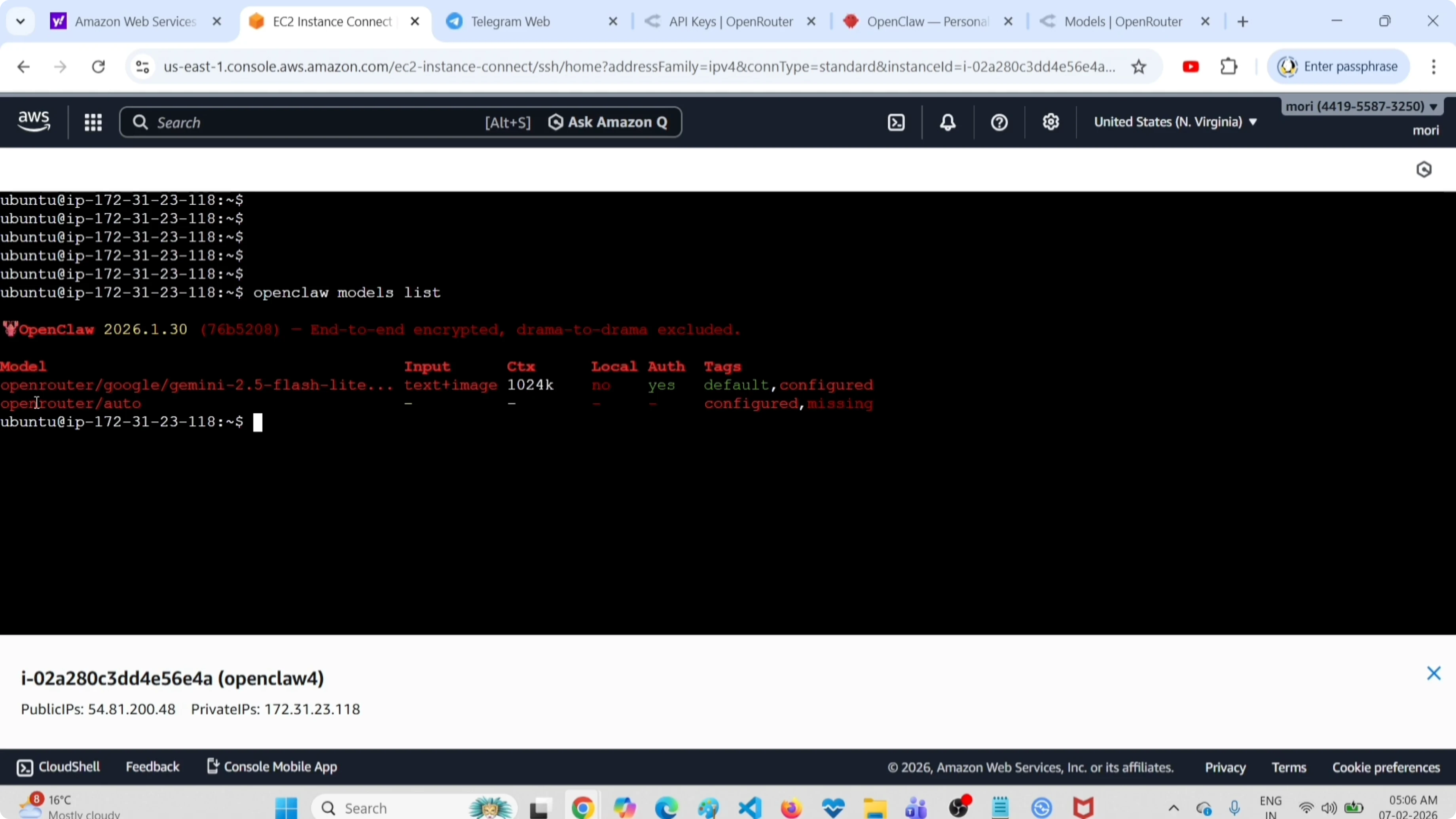
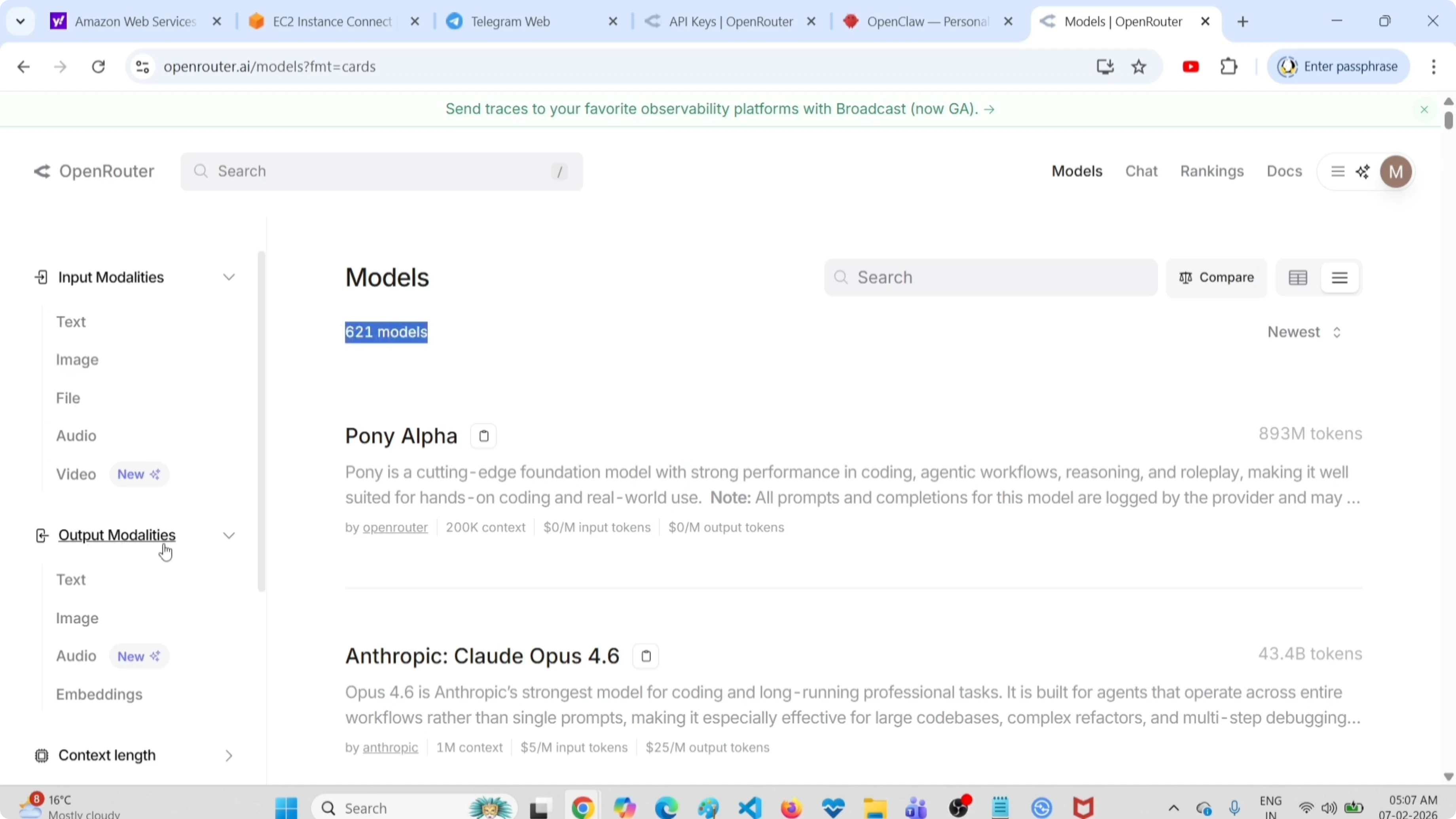
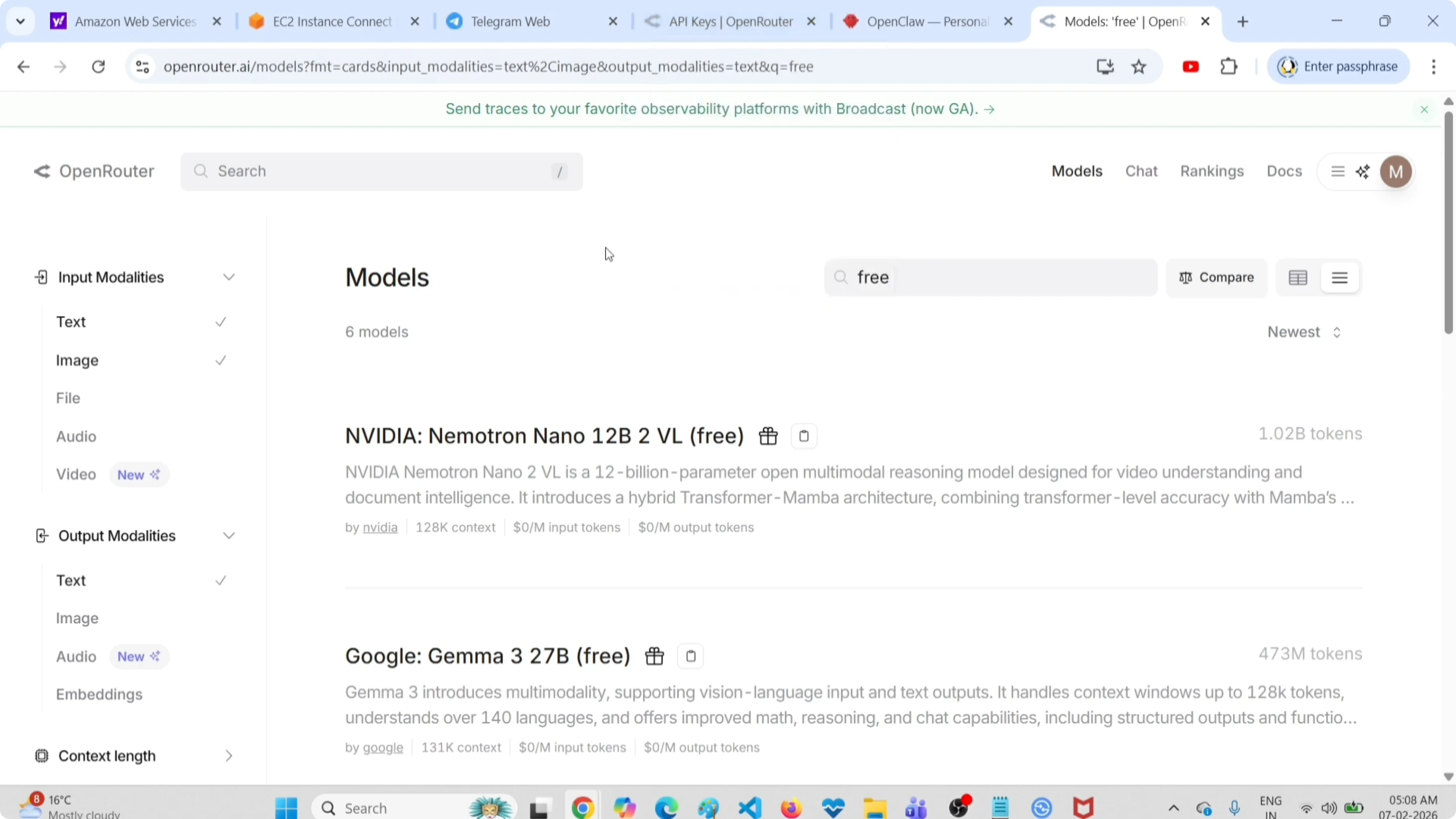
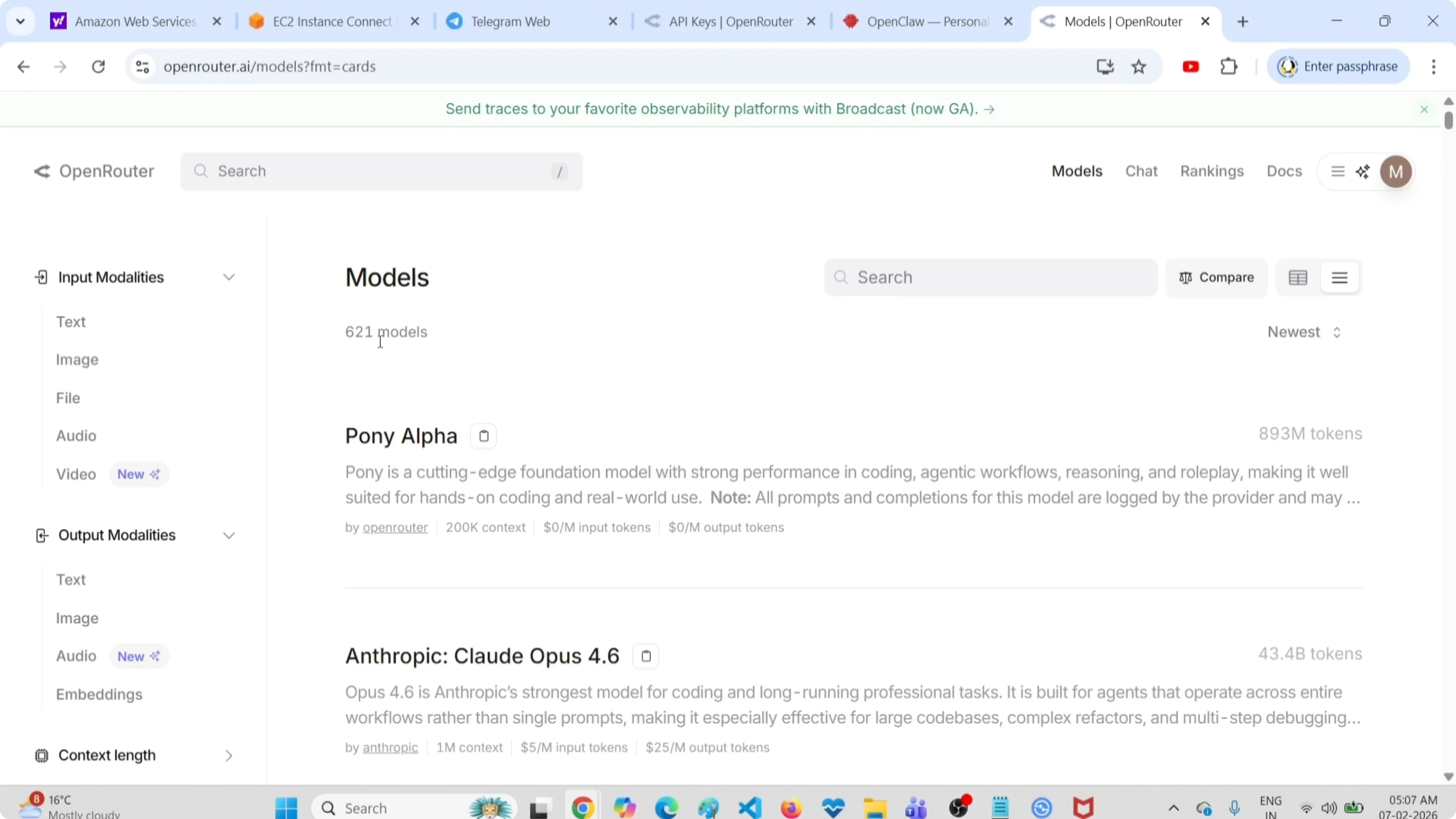
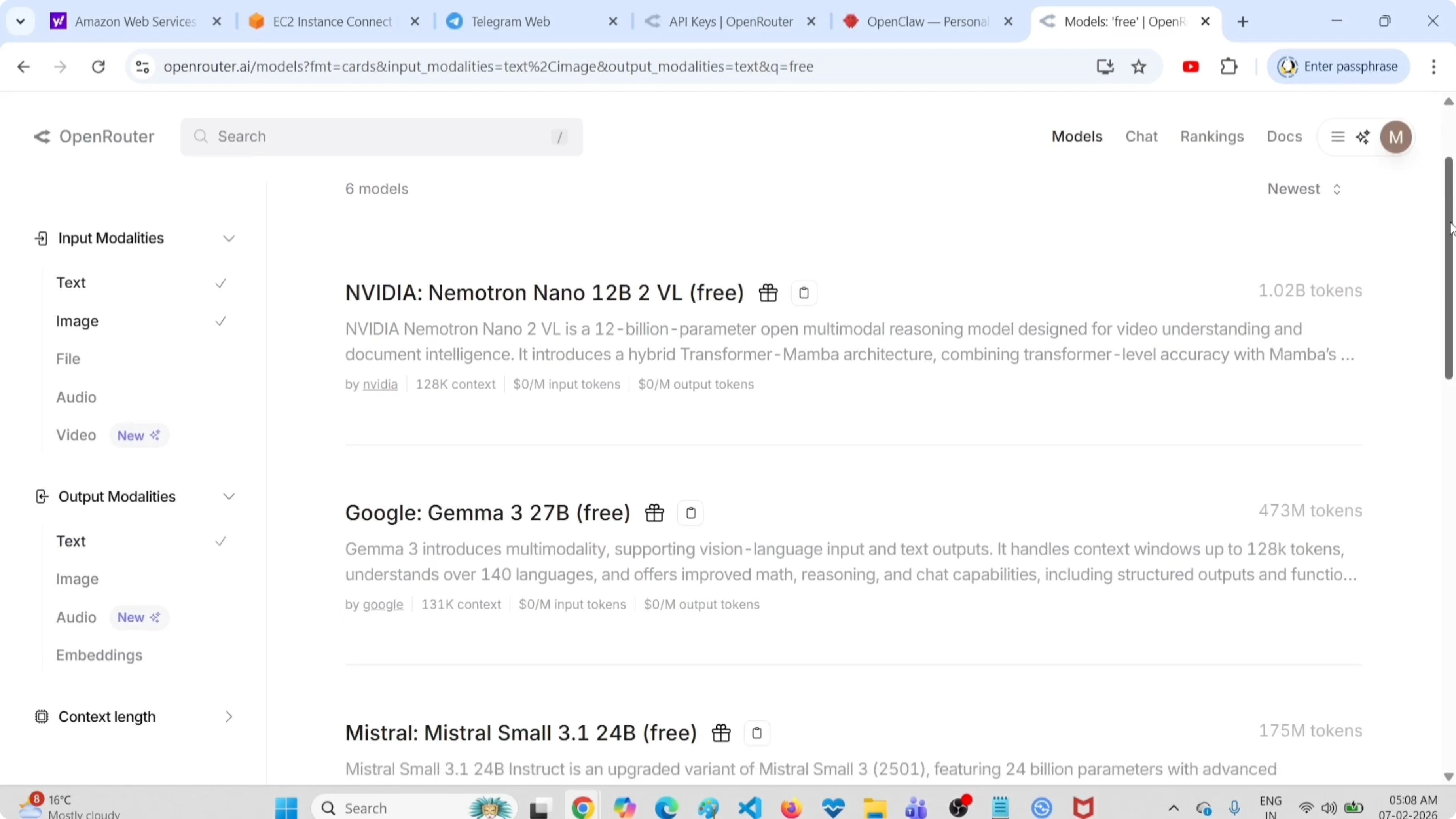
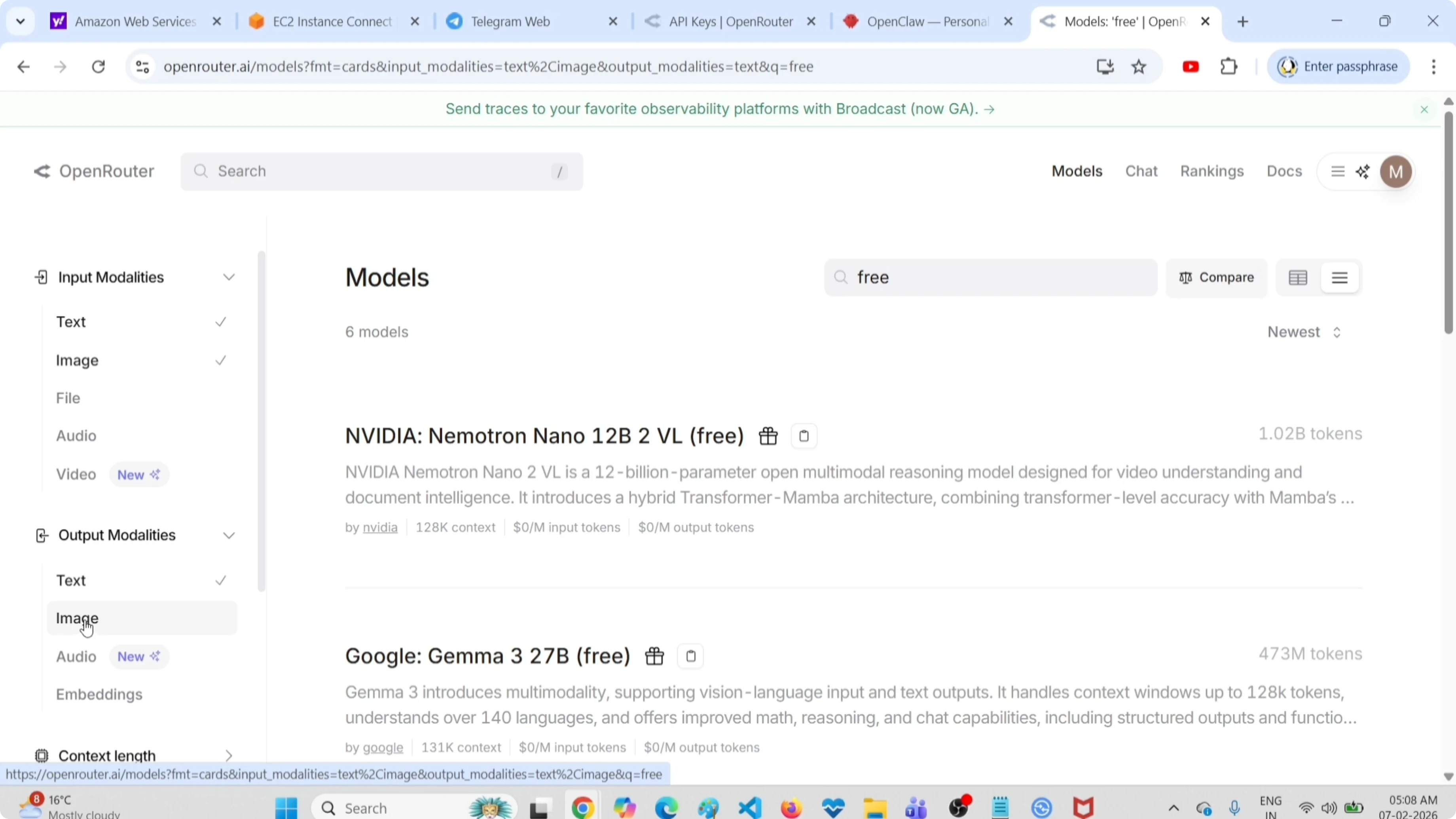
Free OpenRouter models for OpenClaw are best for bounded work where a retry is acceptable. In 2026, OpenRouter exposes a free-model router as openrouter/free; it selects an available free model instead of pinning your agent to a model that may be saturated.
I use this tier for jobs with a clear failure boundary: classify an inbox, extract action items from a short document, turn a changelog into bullets, or generate a first pass at a non-urgent research brief. The output still needs a human or a stronger agent to make consequential decisions.
Free capacity has two practical constraints:
- Availability changes. A model tagged free today can be busy, removed, or routed differently tomorrow.
- Rate limits apply. OpenRouter documents limits for free variants and recommends respecting
Retry-Afterwhen a request receives HTTP 429. - Quality varies by task. A short extraction may work well while a long tool-using workflow fails halfway through.
- Privacy is still cloud privacy. Free does not mean local. Do not send credentials, customer exports, or production logs unless your policy permits that provider path.
For a private alternative, use the local setup from OpenClaw and Ollama for privacy-first AI agents. That removes API spend, but it moves the hardware and operations cost onto your machine.
Configure free OpenRouter models for OpenClaw
Free OpenRouter models for OpenClaw use the normal model CLI. First, make sure your OpenRouter API key is configured through the supported provider flow. Do not paste a key into a post, shell history, or shared config repository.
Set the model with the documented reference:
openclaw models set openrouter/openrouter/free
openclaw models status
models status matters. It confirms the model OpenClaw will try to use, rather than leaving you to infer it from a config file you edited hours ago. If your installation uses a direct configuration file, keep the model reference inside the defaults section described in the OpenClaw models documentation, not in a legacy top-level provider field.
A minimal JSON5-shaped configuration looks like this:
{
  env: {
    vars: {
      OPENROUTER_API_KEY: "set-this-outside-version-control"
    }
  },
  agents: {
    defaults: {
      model: {
        primary: "openrouter/openrouter/free"
      }
    }
  }
}
The important detail is not the snippet. It is the model reference. Earlier OpenClaw examples often show a flat provider-and-model object. Current OpenClaw docs use agents.defaults.model.primary, so copy the current provider guide for your installed version instead of blindly reusing an old configuration.
Need an AI setup that survives real workloads?
I help teams design practical agent workflows with sensible security, model fallbacks, and cost controls.
Pick free OpenRouter models for OpenClaw or pin one
The free router is safer than hard-coding a free model for a first test. It lets OpenRouter choose among free capacity. That reduces maintenance, but it also means model behavior can change between runs.
Choose your approach deliberately:
| Choice | Best when | Trade-off |
|---|---|---|
openrouter/openrouter/free | You are testing or running disposable background work | The underlying model can change |
A specific :free model | You need repeatable prompt testing against one available model | Capacity can vanish or be rate-limited |
| A paid OpenRouter model | A task has a deadline, customer impact, or tool sequence | You need a budget and usage monitoring |
| A local Ollama model | Data must stay on your hardware | You need enough RAM and accept slower inference |
OpenRouter's Free Models Router documentation is the source of truth for the current router name and behavior. Its rate-limit guide explains why retries and fallbacks are part of the design, not a nice-to-have.
Test free OpenRouter models for OpenClaw with a real job
A ten-minute test reveals more than a benchmark screenshot. Start a disposable session and give the agent a request that resembles your workload but contains no sensitive data.
openclaw models list
openclaw agent run --session-id free-model-smoke-test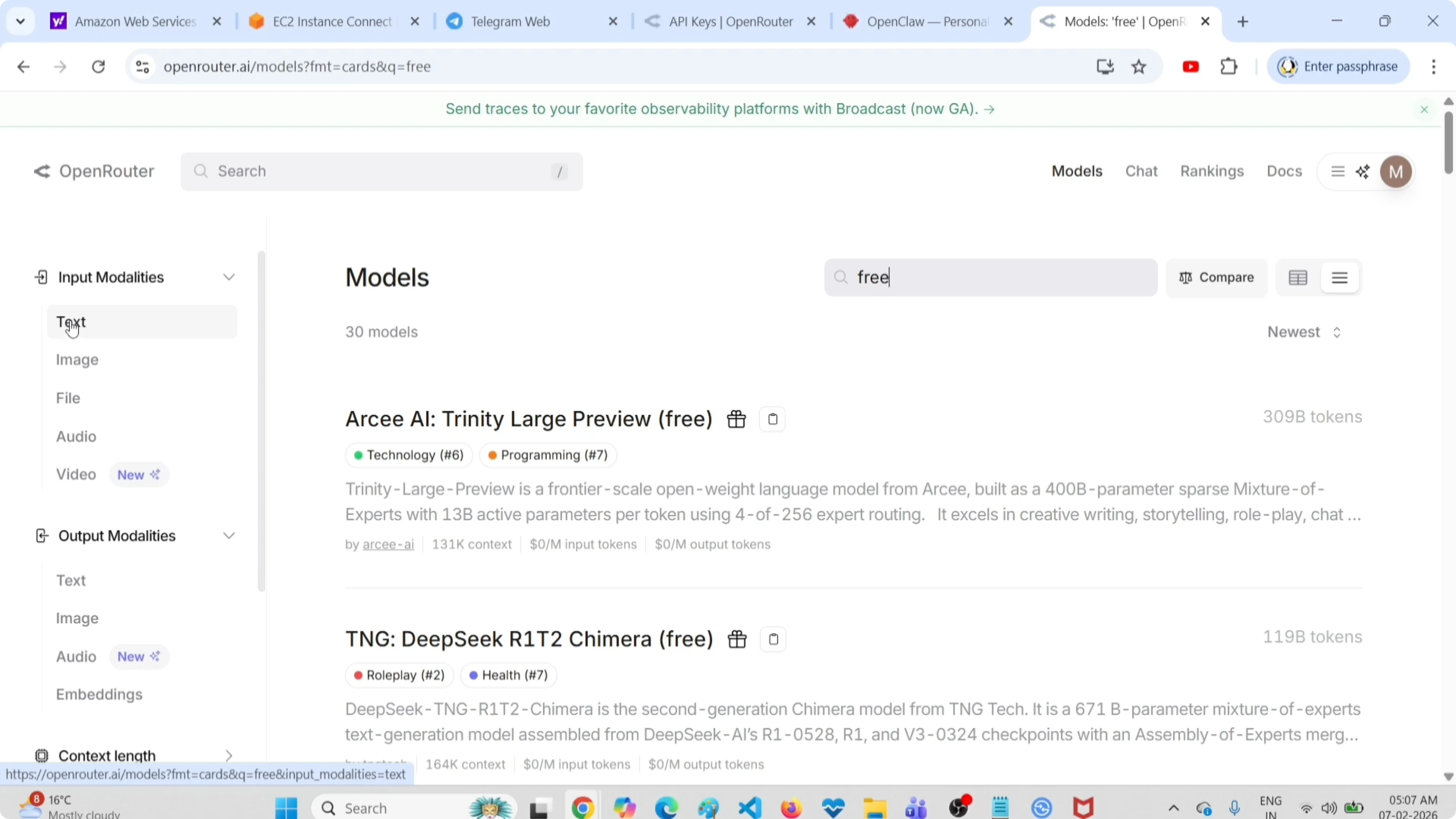
I test four things before moving a free model beyond experimentation:
- Basic response quality - ask for a five-bullet summary of a public technical document.
- Tool discipline - ask the agent to explain which tool it would call before it acts.
- Retry behavior - repeat the same small task until you see a transient failure or confirm your fallback path.
- Cost boundary - verify the model reference in
openclaw models statusbefore and after the task.
Avoid the classic bad test: an open-ended autonomous loop. A free model can look fine in the first two turns and fail after it has accumulated context, hit a provider limit, or selected a weaker route. Use a bounded session first, then extend it only when the failures are understandable.
Add fallbacks to free OpenRouter models for OpenClaw
A free primary model needs a planned escape route. A fallback can be a paid OpenRouter model for urgent jobs, or a local model for private jobs. The point is not to hide failures. It is to choose what happens after one.
For example, use the model commands to inspect and manage the configured fallback chain:
openclaw models fallbacks list
openclaw models fallbacks add <provider/model>
openclaw models status
Choose the fallback based on the job:
- Background summaries: retry once, then record the job for later.
- Coding or tool use: route to a known capable paid model after a failed attempt.
- Sensitive documents: stop cloud routing and use a local model instead.
- Customer-facing automation: do not make a free tier the only route.
The same reliability rule applies to every provider. My guide to restarting the OpenClaw gateway and checking status is useful when the problem is the gateway rather than the chosen model.
Free models are not free of operational cost
The invoice can be zero while the operational cost is not. Rate-limit handling, model drift, review time, and failed automations all consume time. A model that fails twice per day can cost more than a modest paid fallback if it blocks a support queue or a deployment.
My rule is straightforward: use free OpenRouter capacity to learn the task shape. Once the task affects revenue, a customer, a production system, or a deadline, make the primary and fallback choices explicit. That gives you a system you can reason about when the free route is unavailable.
FAQ
Is OpenRouter free for OpenClaw?
OpenRouter offers free model variants and the openrouter/free router, so you can run some OpenClaw tasks without per-token charges. Free availability is limited and subject to rate limits. Treat it as a useful testing and low-priority tier, not an unlimited production API.
What is the best free model for OpenClaw?
The best choice depends on the task and on current availability. Start with openrouter/openrouter/free when you want OpenRouter to select available free capacity. Pin a specific free model only after testing that exact model on your prompt, tools, context length, and error handling.
Why does a free OpenRouter model return 429?
A 429 response means a rate limit or capacity limit was reached. Follow OpenRouter's documented Retry-After guidance, retry with backoff, and configure a fallback. Re-sending the same request immediately usually makes a transient limit worse rather than fixing it.
Should I use free models for customer-facing agents?
No, not as the only route. Customer-facing agents need a defined availability and quality plan. Use free models for experiments or non-urgent work, then set a tested paid or local fallback for any flow where a missed response has a real cost.
The practical 2026 setup
Free OpenRouter models are a legitimate way to start with OpenClaw, especially when you need to validate prompts and workflows before spending money. Set openrouter/openrouter/free, verify it with openclaw models status, test a bounded task, and decide the fallback before the agent handles anything important.
Written by Matteo Giardino, a CTO who builds and operates AI automation systems. I write about the trade-offs that show up after an agent leaves a demo and starts doing real work.