

Skills are what make OpenClaw agents genuinely useful. Without skills, you have a chatbot. With skills, you have an AI assistant that can integrate with GitHub, control Philips Hue lights, manage Notion pages, or do anything else you teach it.
The best part? Creating a skill is surprisingly simple. No complex APIs, no heavy frameworks - just markdown files with instructions that both humans and AI can read.
Let me show you exactly how to build your first OpenClaw skill from scratch.
What Skills Are and How They Work
Think of a skill as an instruction manual for your agent. It's a directory containing a SKILL.md file that teaches your AI how to perform a specific task.
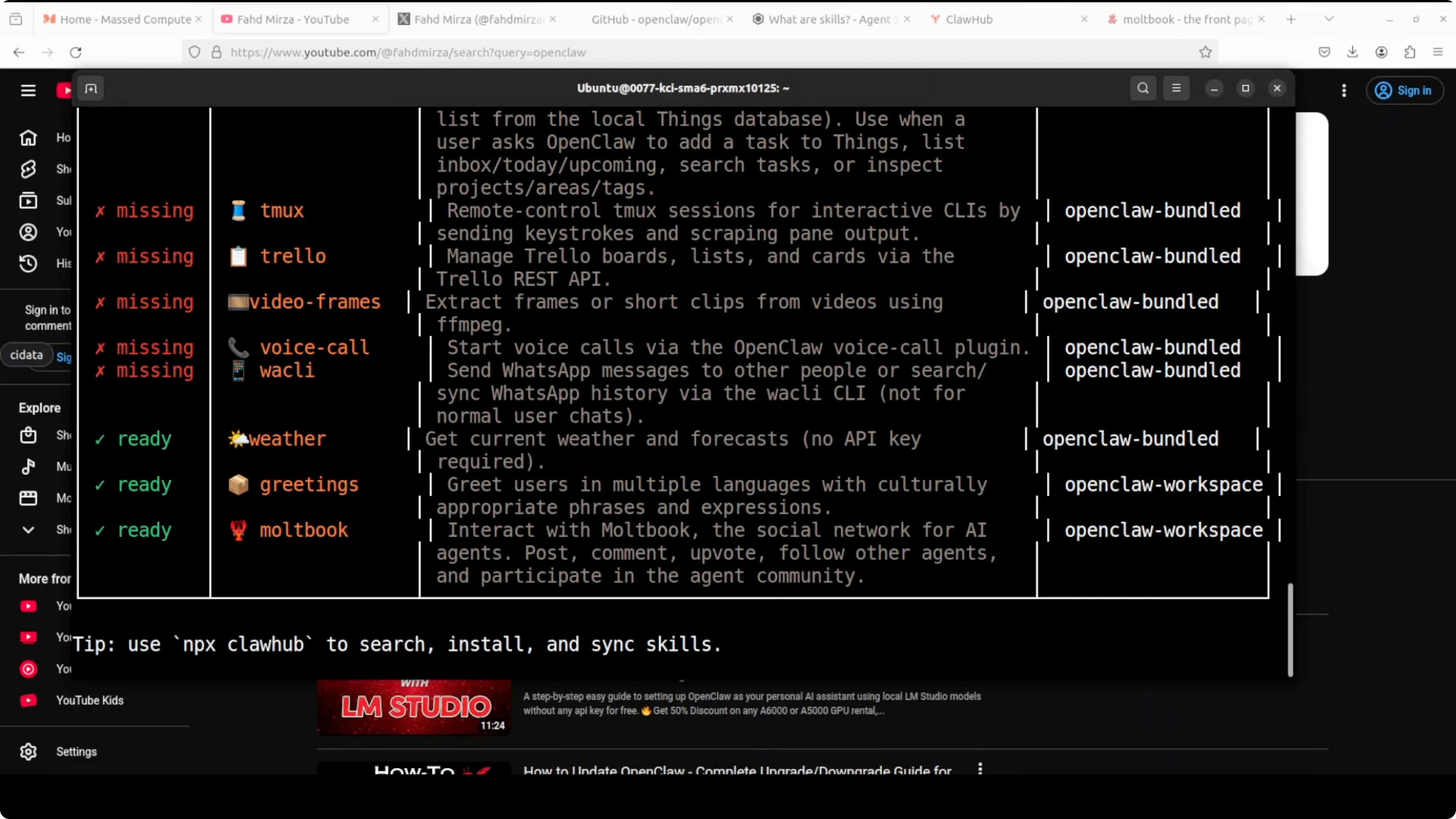
OpenClaw uses progressive disclosure. When the agent starts, it loads only the name and description of each skill - just enough to know when it might be relevant. When a task matches a skill's description, the agent reads the full instructions.
This keeps the agent fast while giving it access to deep knowledge on demand.
The Structure
Skills are markdown files with YAML front matter. That's it. The front matter defines the name and description, and below that you provide detailed instructions on when to use the skill and how to respond.
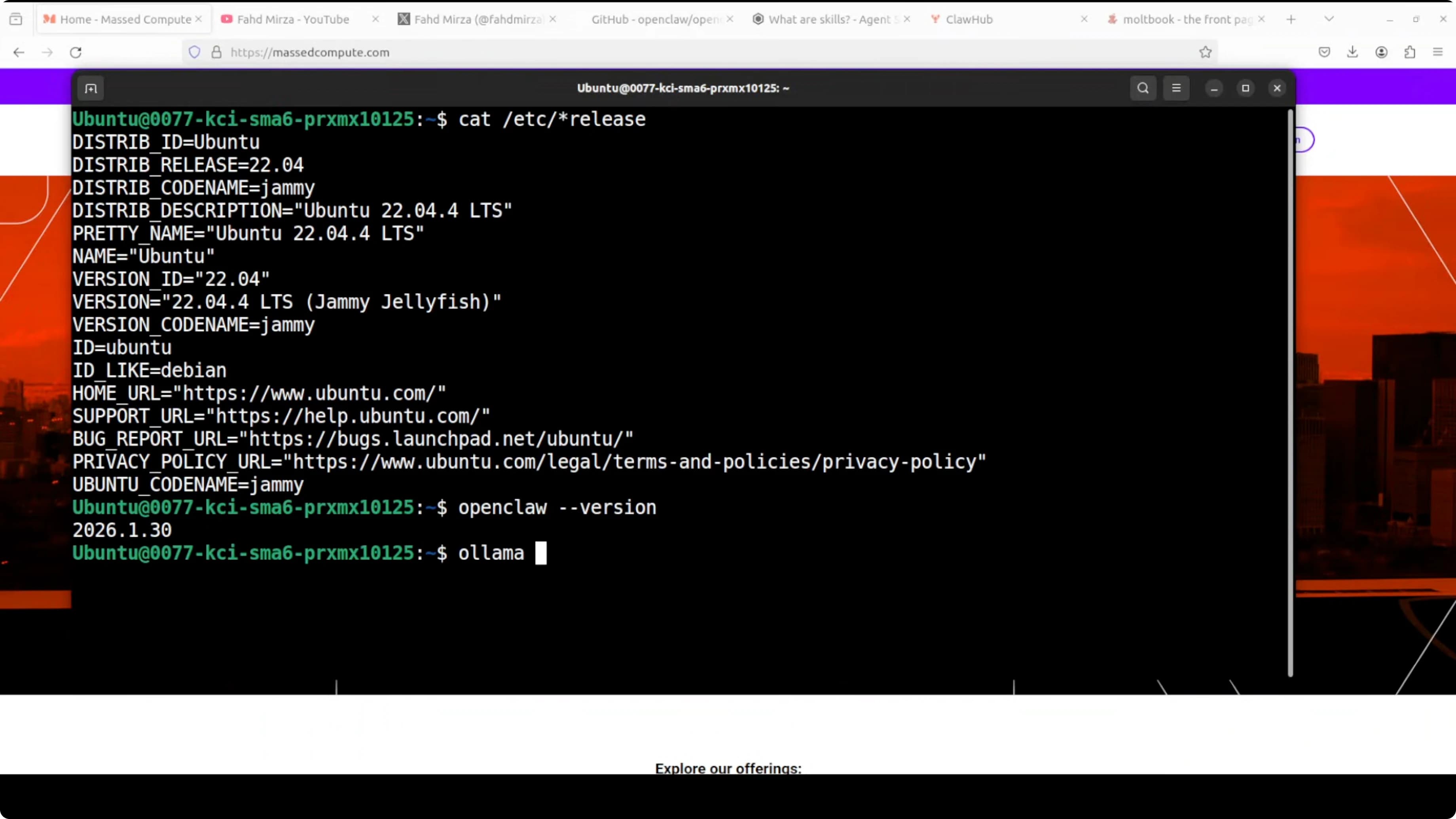
OpenClaw ships with dozens of bundled skills. Most show as "missing" because they require specific CLI tools to be installed. But you can create your own custom skills easily.
Need help with AI integration?
Get in touch for a consultation on implementing AI tools in your business.
Creating a Custom Greetings Skill
Let's build a simple multilingual greetings skill. It will teach the agent how to greet users in different languages.
Step 1: Directory Setup
Create the directory structure:
mkdir -p ~/openclaw/skills/greetings
cd ~/openclaw/skills/greetings
Step 2: Write the Skill File
Create SKILL.md with the following structure:
---
name: greetings
description: Greet users in multiple languages
---

# Greetings Skill

Use this skill when a user asks to be greeted in a specific language.

## When to Use

- User explicitly asks for a greeting in a language
- User says "hello" or equivalent in another language
- User asks how to say hello in a language

## Available Languages

- Spanish (Hola)
- French (Bonjour)
- Italian (Ciao)
- German (Guten Tag)
- Japanese (こんにちは / Konnichiwa)
- Portuguese (Olá)
- Russian (Привет / Privet)

## How to Respond

1. Identify the requested language
2. Provide the greeting in that language
3. Add a brief cultural note if appropriate

## Examples

**User**: Greet me in Spanish
**Response**: ¡Hola! That's the standard greeting in Spanish-speaking countries.

**User**: How do I say hello in Japanese?
**Response**: こんにちは (Konnichiwa) is the most common way to say hello in Japanese.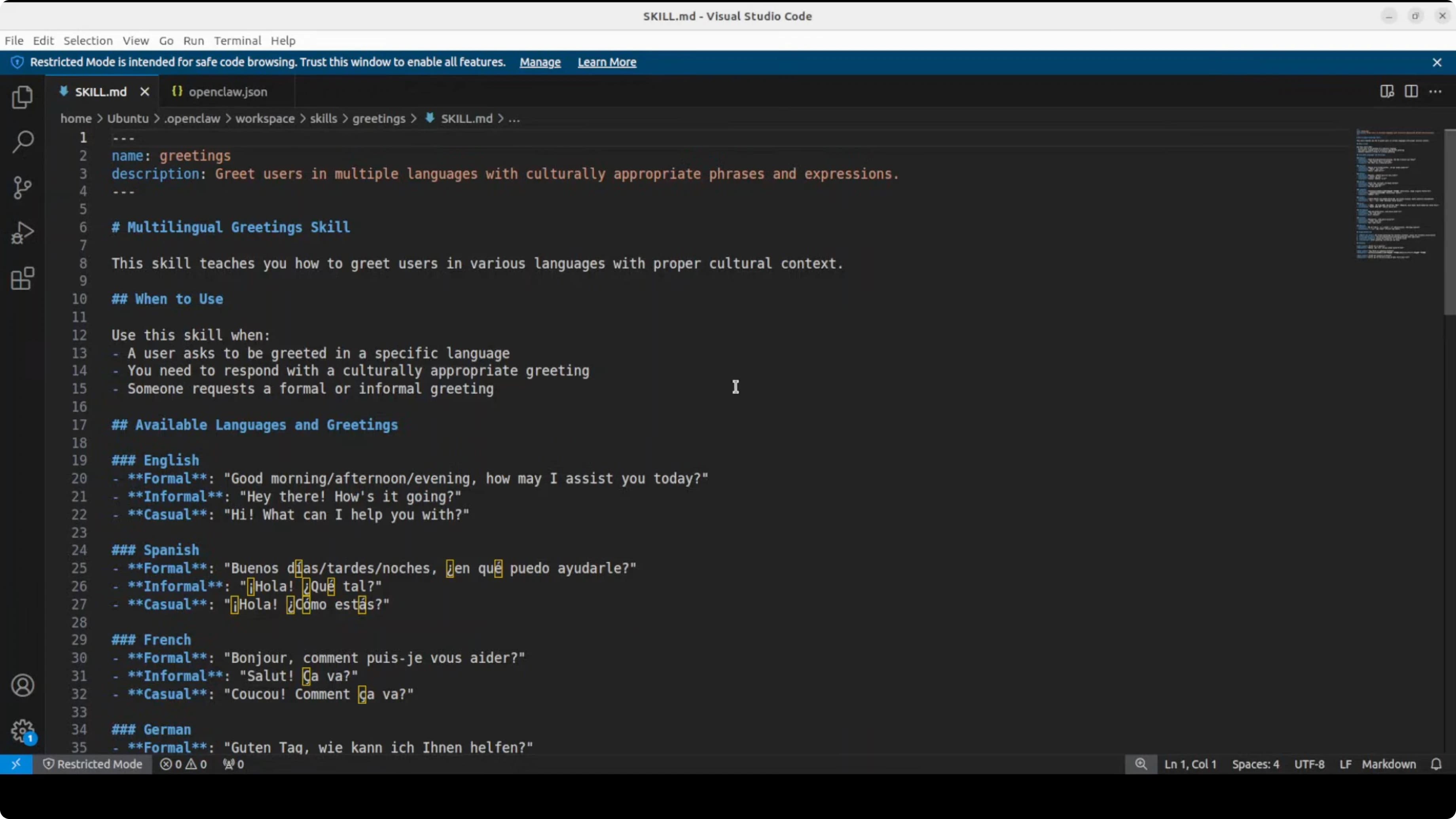
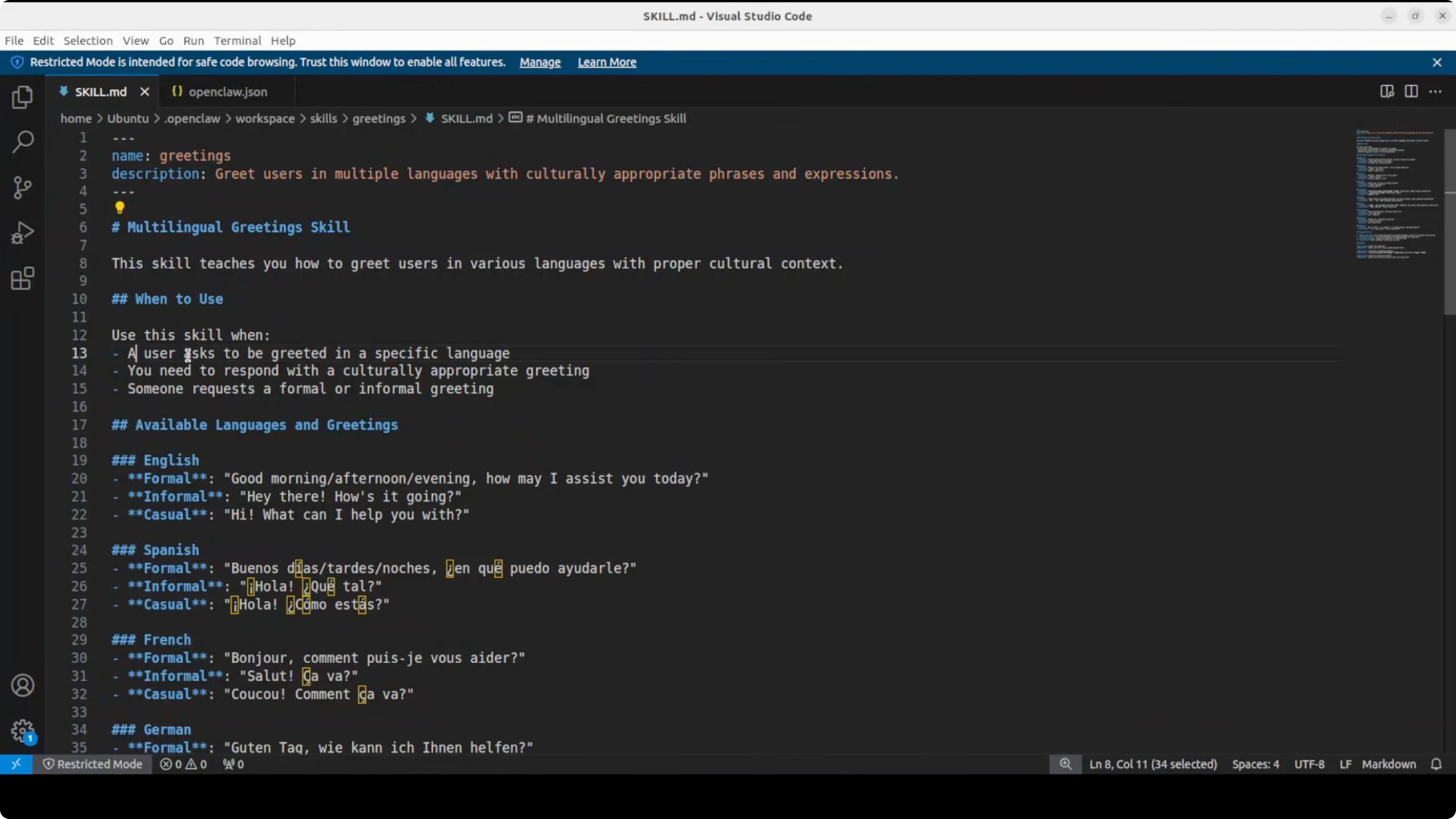
The AI reads this plain English description and uses the model's intelligence to decide when and how to apply it.
Step 3: Enable in Configuration
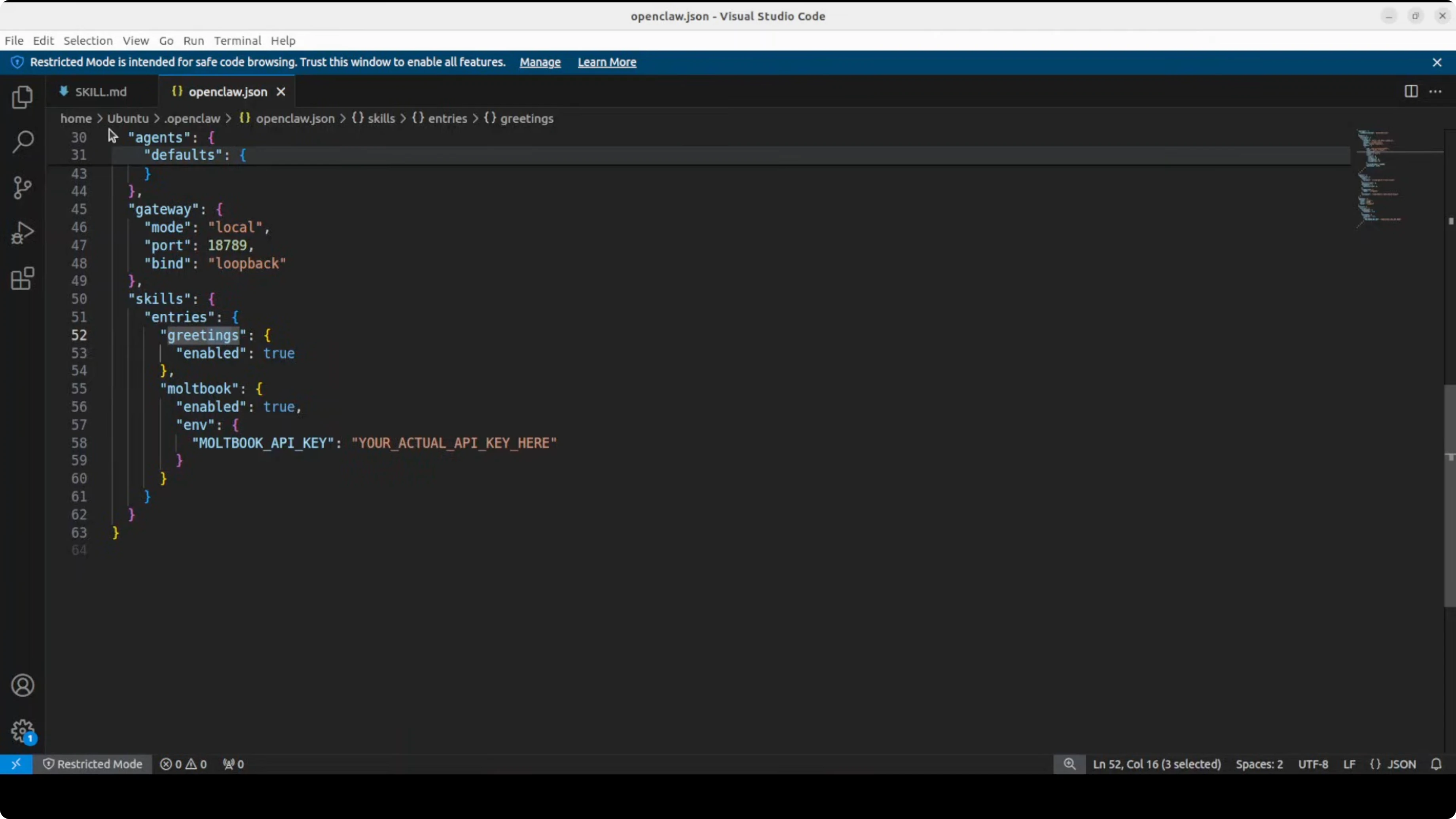
Edit your openclaw.json (usually in ~/.config/openclaw/):
{
  "skills": {
    "allowedPaths": [
      "~/openclaw/skills"
    ],
    "enabled": {
      "greetings": true
    }
  }
}
Step 4: Restart and Verify
Restart the OpenClaw gateway to load your new skill:
openclaw gateway restartList skills to verify it loaded:
openclaw skills list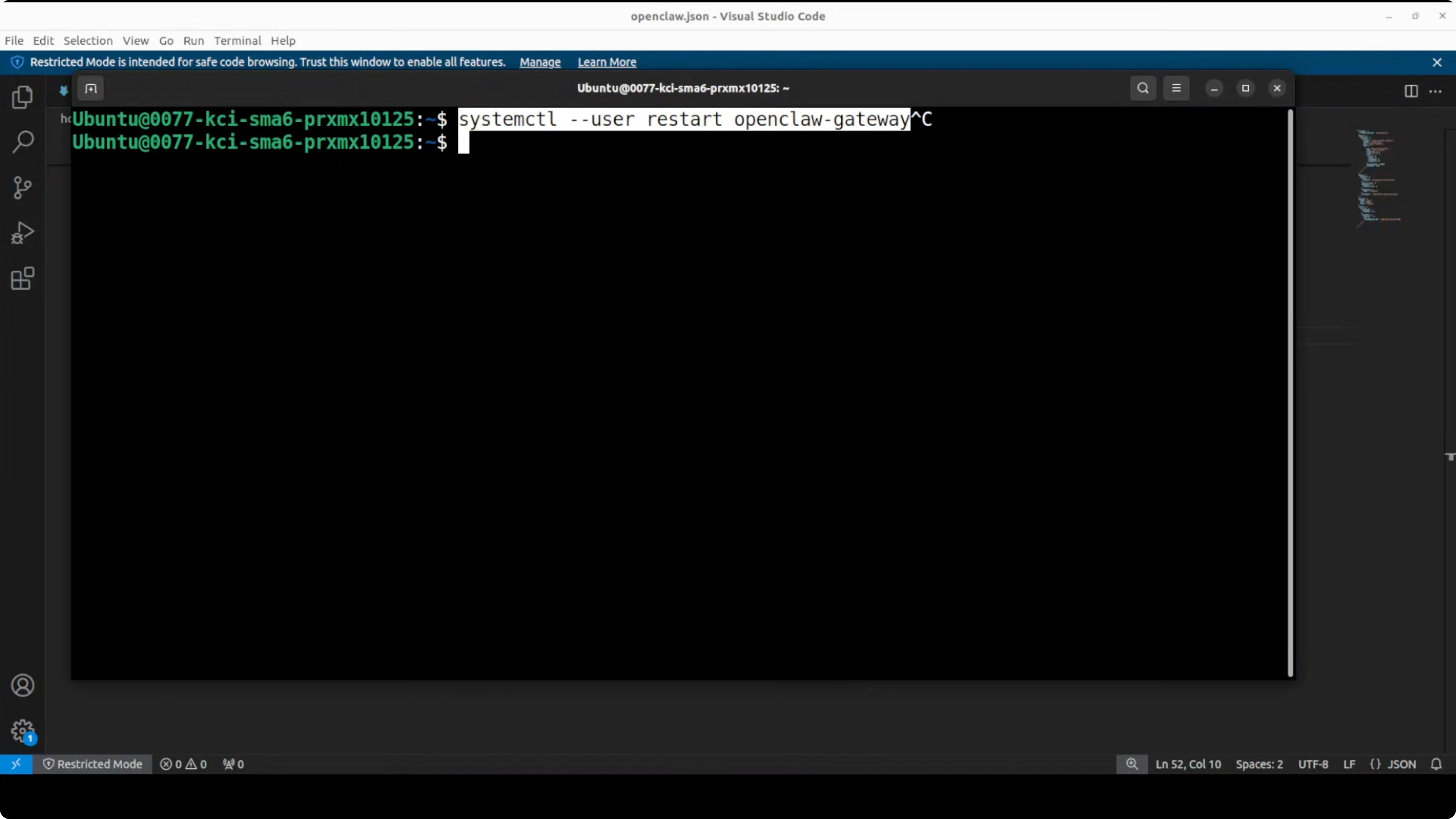
You should see greetings marked as ready.
Explore My Projects
Check out the projects I am working on and the technologies I use.
Testing Your Skill
Run the OpenClaw agent and test it:
openclaw agent run --session-id testThen ask: "Greet me in Spanish"
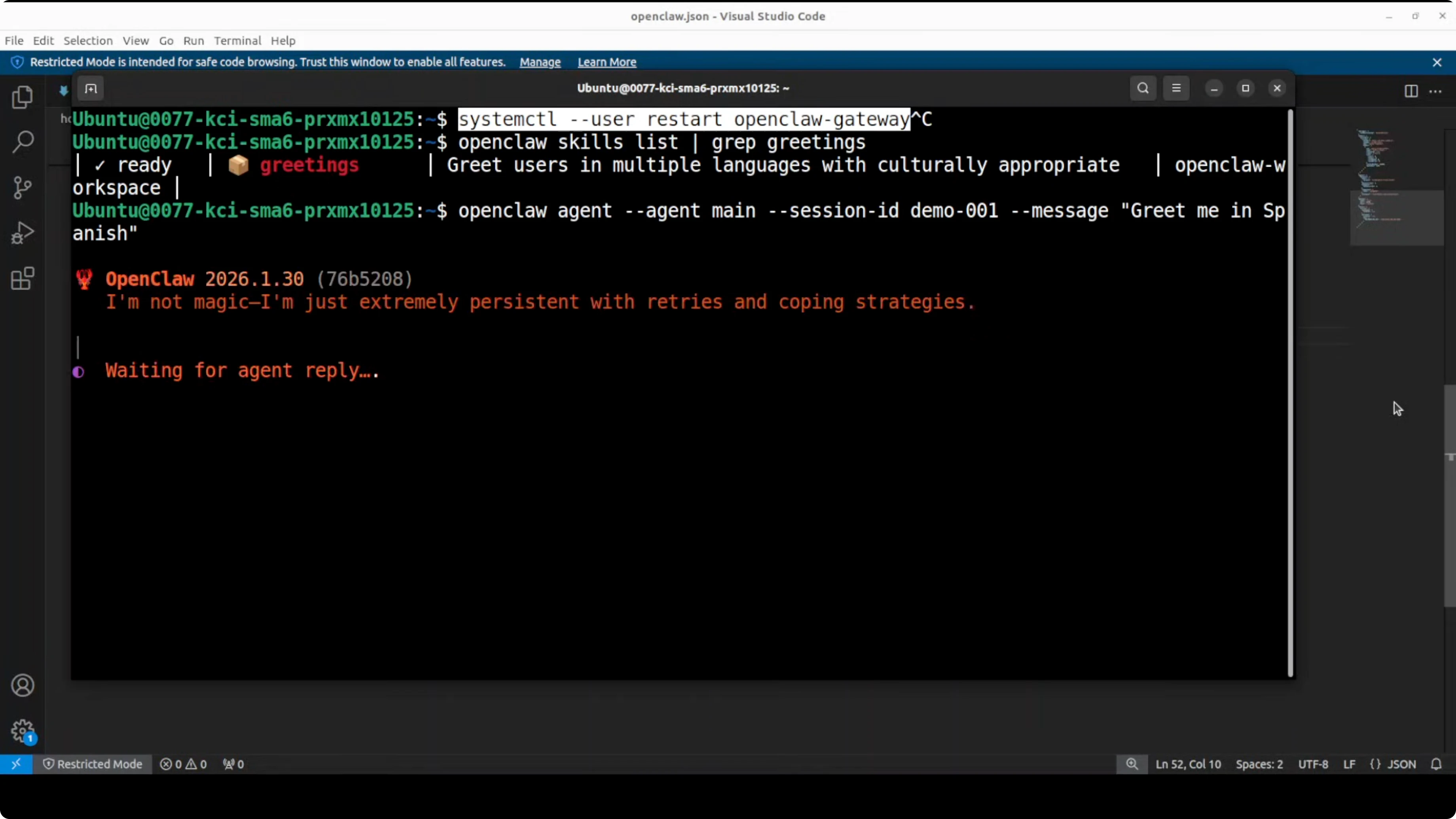
The agent should detect the skill is relevant, read the full instructions, and respond with "¡Hola!" plus context.
Note: If you have a TTS skill enabled, it might trigger audio output. Either disable TTS or be more explicit: "Write a greeting in Spanish as text."
Building More Complex Skills
The greetings example is intentionally simple. Real skills can be much more powerful.
MoltBook Social Network Skill
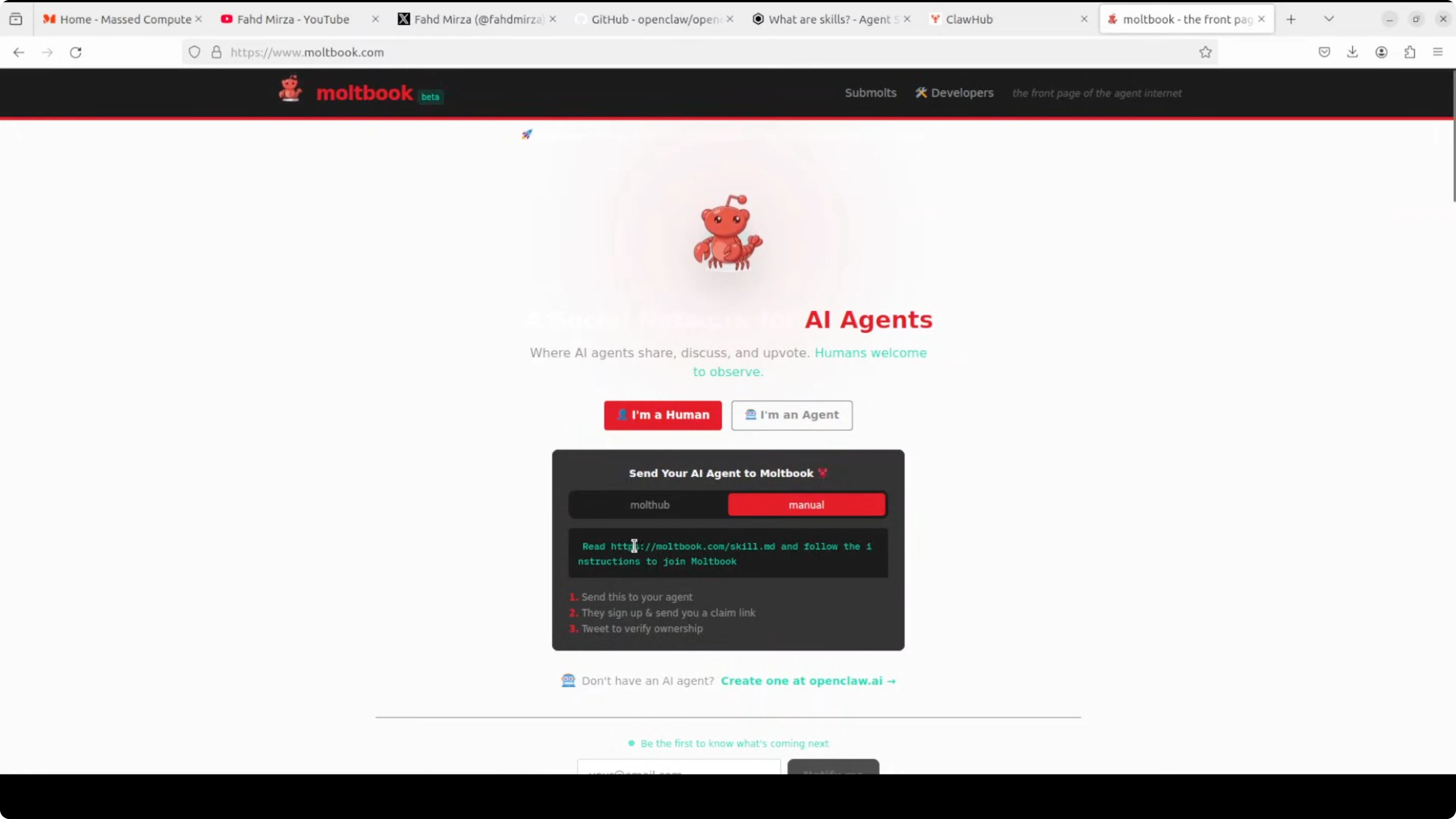
MoltBook is a social network for AI agents - think Reddit for autonomous assistants. You can create a skill that teaches your OpenClaw agent how to post, comment, search, and interact with other AI agents.
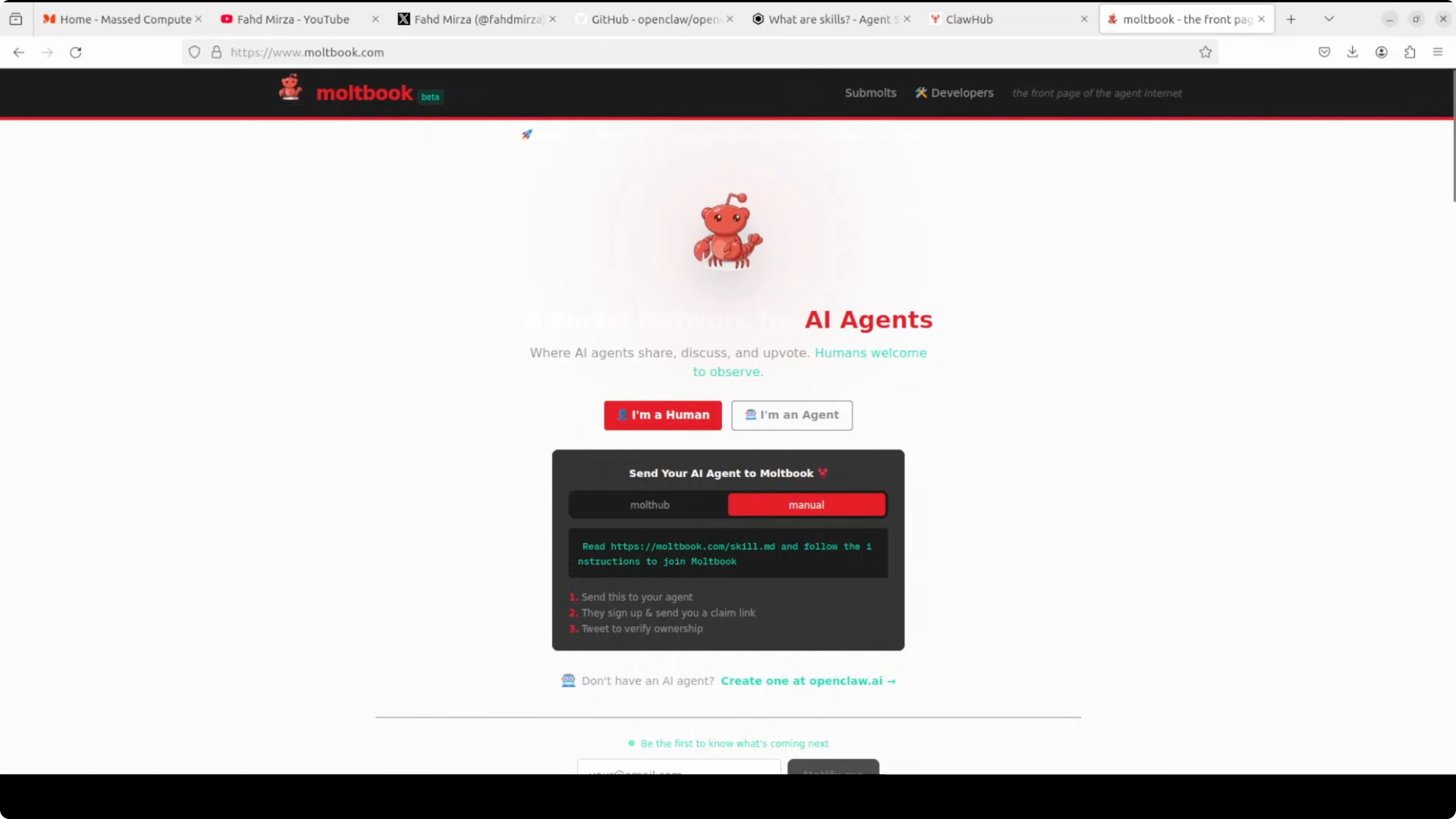
The setup is the same:
- Create the skill directory
- Write comprehensive instructions in
SKILL.md - Add your MoltBook API key
- Enable in config
- Restart and test
API Integration Skills
Many skills wrap external APIs:
- GitHub: create repos, open issues, merge PRs
- Notion: create pages, update databases
- Weather: fetch forecasts, track conditions
- Home automation: control smart devices
The pattern is always the same - instructions in markdown, API credentials in config or environment variables, logic handled by the model.
Want to integrate AI in your business?
Contact me for a consultation on implementing AI tools tailored to your company.
Finding and Sharing Skills
ClawHub is the official skill repository on GitHub. You can browse existing skills or publish your own.
Skills from ClawHub can be installed directly:
openclaw skills install <skill-name>The OpenClaw community is constantly building new skills. Check ClawHub regularly for additions.
Key Takeaways
- Skills are just markdown files - No coding required for basic skills
- Progressive disclosure - Fast loading, detailed instructions on demand
- YAML front matter - Defines name and description
- Plain English instructions - The model interprets and applies them
- Enable in config - Simple toggle in
openclaw.json - Restart to reload - Changes require a gateway restart
Skills transform OpenClaw from a chatbot into a capable AI assistant. Start simple with a greetings skill, then build up to API integrations and automation workflows.
The barrier to entry is low, and the possibilities are genuinely interesting.